

Salesforce Experience Cloud: Building Customer Portals
This guide covers Salesforce Experience Cloud as a platform for building branded digital portals for customers, partners, and employees directly on CRM data.
Salesforce Experience Cloud transforms how businesses connect with customers, partners, and employees through branded digital portals built directly on your CRM data. This platform lets you create self-service hubs where external users access exactly what they need without overwhelming your support teams or compromising data security.
The platform integrates seamlessly with your existing Salesforce org. Your customer data, product catalogs, support cases, and knowledge articles flow directly into portal experiences.
That integration means customers see their order history, partners access co-marketing resources, and employees find training materials without you building separate systems or duplicating data. Everything stays connected to your single source of truth.

Consulting Partner

Managed Services Provider
What Makes Experience Cloud Different from Traditional Portals
Experience Cloud sits inside your Salesforce ecosystem. Traditional portals operate as standalone systems that require complex integrations to connect with your CRM.
When a customer updates their profile in your Experience Cloud portal, that change reflects immediately in your Salesforce org. Your sales team sees the updated information without data syncing delays or integration failures.
The platform uses your existing Salesforce data model. You’re not rebuilding customer records, product databases, or case management systems in a separate tool.
Experience Cloud now supports features like Guest Access on sites. This capability lets anonymous users browse public content before they log in, reducing friction for first-time visitors.
Experience Cloud now supports Guest Access on sites, allowing anonymous visitors to browse public content before logging in.
Native CRM Integration Advantages
Your portal inherits Salesforce’s security model automatically. The same permission sets, sharing rules, and field-level security that protect data in your CRM apply to portal users.
When you create a new product in Salesforce, it appears in your customer portal without manual updates. Case status changes trigger portal notifications through the same workflow rules you use internally.
This native connection eliminates the integration maintenance burden that plagues traditional portal solutions. You’re not troubleshooting API failures or resolving data sync conflicts between disconnected systems.
Multi-Audience Portal Management
You can run separate portal experiences for different audiences from a single Salesforce org. Your customer support portal, partner collaboration site, and employee resource hub operate independently while sharing the same underlying data.
Each portal gets its own branding, navigation, and access permissions. Partners see content tagged for channel sales while customers access self-service support resources.
| Portal Type | Primary Users | Common Use Cases |
|---|---|---|
| Customer Portal | End customers | Account management, case tracking, knowledge base access |
| Partner Portal | Channel partners, resellers | Lead distribution, deal registration, co-marketing resources |
| Employee Portal | Internal staff | Training materials, policy documents, collaboration spaces |
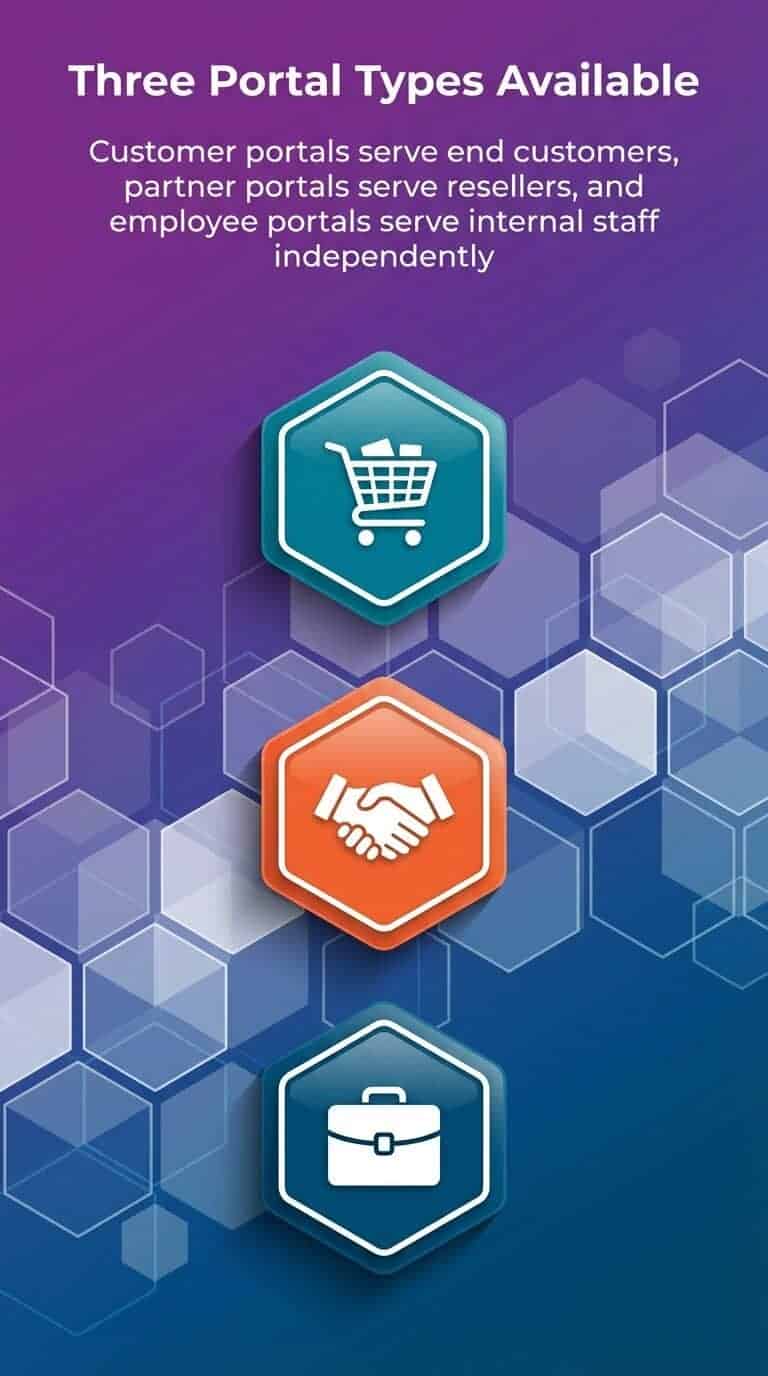
Three portal types—Customer, Partner, and Employee—serve distinct audiences with independent branding and permissions.
Building Self-Service Customer Experiences
Customer portals reduce support costs by moving routine inquiries to self-service channels. Users log in to check order status, update account details, or browse knowledge articles without opening support tickets.
The portal connects directly to your Service Cloud data. When customers search for answers, they’re querying the same knowledge base your support agents use.
Case deflection happens naturally when customers find solutions in your knowledge articles before contacting support. They submit cases through the portal only when self-service doesn’t resolve their issues.
Account Management Capabilities
Customers access their complete account history through portal dashboards. They view open orders, track shipments, download invoices, and update payment methods without agent assistance.
This visibility reduces “where’s my order” inquiries that consume support capacity. Customers answer their own questions by checking portal data that refreshes in real-time from your Salesforce org.
You control exactly which data each customer sees. Account hierarchies let parent organizations view child account activity while maintaining appropriate data boundaries.
Knowledge Base Integration
Your Salesforce knowledge articles publish directly to portal sites. The same content that supports your service agents helps portal users solve problems independently.
Search functionality indexes knowledge articles, discussion posts, and custom content. Users find relevant information through natural language queries that surface the most helpful resources.
Article ratings and feedback loops improve content quality over time. You identify knowledge gaps by analyzing which searches produce poor results or lead to case creation.
Partner Relationship Management Through Portals
Partner portals centralize collaboration with channel partners, distributors, and resellers. These audiences need different content and capabilities than customers require.
Partners access leads assigned to their territory, register deals to prevent channel conflict, and download co-marketing materials. Your partner relationship management processes operate through portal workflows instead of email threads and spreadsheets.
Channel Sales Enablement
Lead distribution happens through portal interfaces where partners claim opportunities and update deal status. You track partner pipeline activity directly in Salesforce without requiring partners to access your internal CRM.
Deal registration workflows prevent channel conflict by establishing which partner owns specific opportunities. Partners submit registrations through portal forms that trigger approval processes in your Salesforce org.
Training and certification tracking ensure partners maintain required competencies. You gate premium content or lead access behind certification requirements enforced through portal permissions.
Collaborative Workspaces
Partners collaborate on joint opportunities through portal discussion boards and shared file libraries. These collaboration features keep partner communications visible to your internal teams.
You avoid the black hole of partner email exchanges where account context disappears. Discussions and file uploads attach to specific opportunity records in Salesforce.
Integration capabilities extend portal functionality by connecting marketing automation platforms, partner marketing tools, and other systems partners use daily.
Technical Architecture and Data Security
Experience Cloud uses Salesforce’s multi-tenant architecture with portal-specific security layers. External users never access your internal Salesforce org directly.
The platform creates portal user accounts separate from internal Salesforce licenses. These accounts have restricted permissions that you configure through sharing sets and permission set groups.
Access Control Mechanisms
Sharing sets define which records portal users can access based on field values. A customer portal user sees only cases where they’re listed as the contact, not every case in your org.
Permission set groups bundle the specific object permissions, field access, and feature capabilities each portal user type requires. Partner users get different permissions than customer users.
External users authenticate through portal login pages before accessing protected content. You integrate single sign-on systems to streamline authentication for users who access multiple enterprise applications.
| Security Layer | Purpose | Configuration Level |
|---|---|---|
| Sharing Sets | Control record visibility | Object and field criteria |
| Permission Set Groups | Define feature access | User type assignments |
| Authentication | Verify user identity | Login policies and SSO |
Data Visibility Rules
Portal users operate in a restricted data environment even though they’re accessing your Salesforce org. They query only records explicitly shared through security settings.
This controlled visibility lets customers see their own data without exposing other customer information. Partners view opportunities assigned to their territory without seeing your entire pipeline.
Field-level security hides sensitive data even when records are shared. Customers see order totals but not internal cost calculations or margin data stored on the same records.
Portal Site Types and Templates
Experience Cloud offers pre-built templates optimized for specific use cases. These templates provide starting points with common components, page layouts, and navigation structures.
Customer service templates include case management interfaces, knowledge article layouts, and community discussion features. Partner templates emphasize lead management, opportunity collaboration, and resource libraries.
Template Customization Options
Templates use Lightning components that match your Salesforce org’s data model. You customize component properties, page layouts, and navigation without custom code.
Branding controls let you match portal appearance to your corporate identity. Upload custom themes, adjust color schemes, and configure navigation menus through point-and-click tools.
Advanced customization requires Lightning Web Components or Visualforce development. You build custom portal features when template components don’t meet specific requirements.
Mobile-Responsive Design
Portal templates adapt automatically to different screen sizes. Customers access the same portal features through desktop browsers, tablets, or mobile phones.
This responsive design eliminates the need for separate mobile apps in many scenarios. Users get consistent experiences regardless of how they access your portal.
The Salesforce mobile app can surface portal content when appropriate. You decide whether external users access portals through mobile browsers or integrated app experiences.
Integration with Salesforce Platform Services
Experience Cloud connects to the full Salesforce platform stack. Your portals leverage Einstein AI, Marketing Cloud, Commerce Cloud, and other services your org uses.
Einstein search improves portal search results through natural language processing. Einstein bots handle routine portal inquiries before escalating complex issues to human agents.
Marketing Cloud Connections
Portal user activity triggers Marketing Cloud journeys. When customers register for portal access, they enter nurture campaigns that encourage portal adoption and feature discovery.
You track portal engagement as Marketing Cloud behavioral data. High-value customers who stop logging into portals trigger re-engagement campaigns automatically.
Portal forms feed Marketing Cloud contact records directly. Lead capture through partner portals populates Marketing Cloud audiences for partner communication campaigns.
Commerce Cloud Integration
B2B Commerce integrates with partner portals to enable channel sales through self-service ordering. Partners place orders on behalf of their customers through portal interfaces connected to product catalogs.
Customer portals surface Commerce Cloud order history and shipment tracking. Users see consistent commerce experiences whether they purchase directly or through your portal.
This commerce integration eliminates order placement emails and phone calls. Partners submit orders through validated portal workflows that enforce pricing rules and product availability.
Implementation Planning and Best Practices
Successful Experience Cloud implementations start with clear audience definition and use case prioritization. You can’t build effective portals without understanding exactly what each user type needs to accomplish.
Map current processes that portals will replace. Identify which support inquiries, partner requests, or employee questions happen through inefficient channels today.
Phased Rollout Strategy
Launch portals to limited user groups before broad deployment. Pilot programs with friendly customers or strategic partners reveal usability issues and missing features.
Early feedback shapes portal design before you’ve invested heavily in custom development. You adjust navigation, add missing content, or simplify workflows based on actual usage patterns.
Phased rollouts also manage change impact on internal teams. Your support organization adapts to portal case deflection gradually rather than experiencing sudden volume shifts.
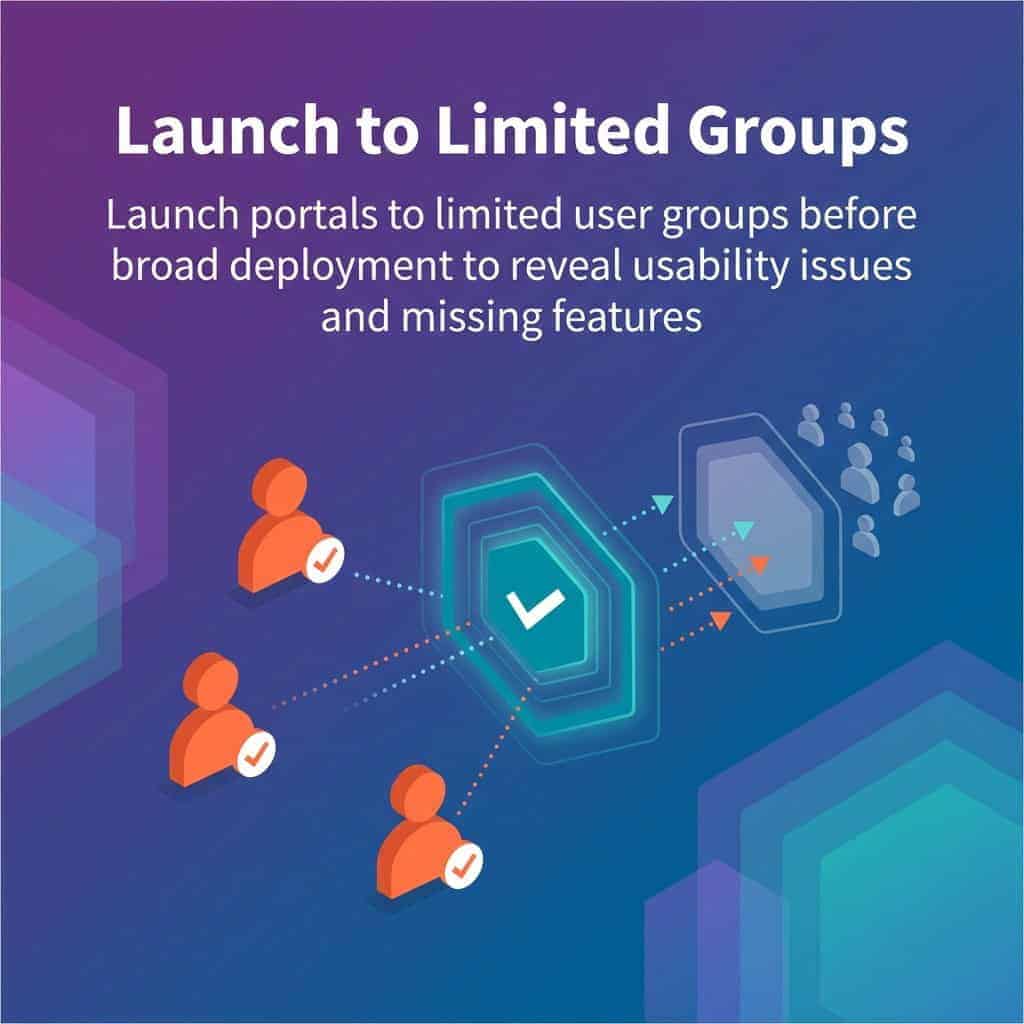
Pilot first: Launch to limited user groups to surface usability issues and missing features before broad rollout.
Content Migration Approach
Audit existing customer resources, partner materials, and employee documentation before portal launch. Identify which content belongs in portals versus internal systems.
Knowledge articles need portal-appropriate formatting and language. Internal documentation written for agents requires editing before customer or partner audiences can use it effectively.
Content organization affects portal success significantly. Users abandon portals that make finding information difficult, regardless of how comprehensive your content library is.
Measuring Portal Success and Adoption
Portal analytics track user engagement, content effectiveness, and business impact. You measure whether portals achieve intended outcomes like support cost reduction or partner satisfaction improvement.
Salesforce reports show portal login frequency, page views, and feature usage. These metrics reveal which portal sections users value and which areas need improvement.
Case Deflection Metrics
Track how portal knowledge base searches and article views correlate with case volume. Effective portals show declining case creation rates as self-service adoption increases.
Monitor search queries that don’t produce helpful results. These failed searches indicate knowledge gaps or content organization problems requiring attention.
Article feedback ratings identify which knowledge content helps users successfully. Low-rated articles need updating or more detailed explanations.
| Metric Category | Key Indicators | Success Signal |
|---|---|---|
| Engagement | Login frequency, session duration | Regular return visits, increasing time on site |
| Deflection | Search-to-case ratio, article views | Declining case volume, high article consumption |
| Satisfaction | User ratings, feedback submissions | Positive sentiment trends, feature requests |
Partner Performance Tracking
Partner portal analytics show which partners actively engage with leads, update opportunities, and use portal resources. These activity levels correlate with partner sales performance.
You identify partners who need additional training or support based on low portal adoption. High-performing partners often show consistent portal usage patterns worth replicating across your channel.
Portal engagement becomes a leading indicator of partner relationship health. Partners who stop logging in may be disengaging from your channel program entirely.
Getting Started with Your First Portal
Your initial portal should address a specific, well-defined use case rather than attempting to serve all audiences simultaneously. Customer support portals often deliver the quickest measurable value.
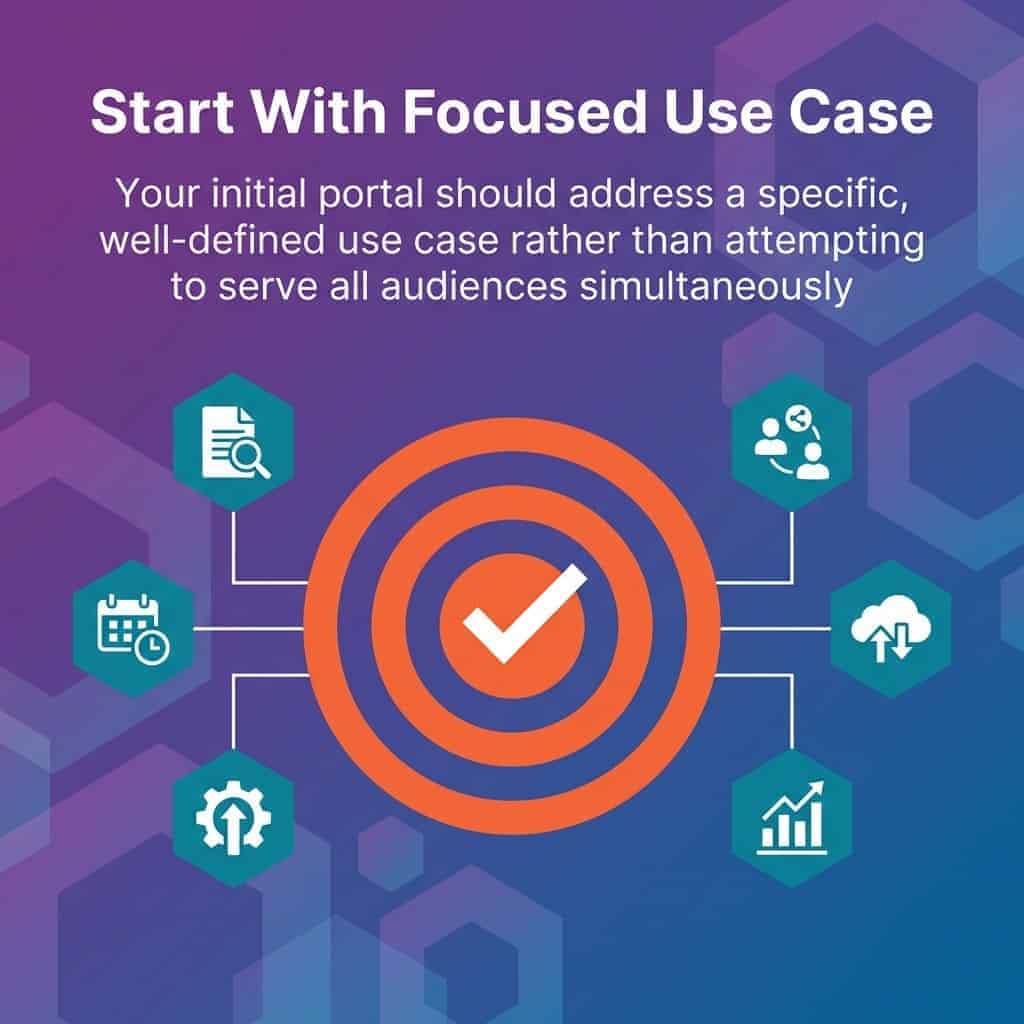
Start with a focused, well-defined use case rather than attempting to serve every audience at once.
Start by enabling portal features in your Salesforce org. Experience Cloud requires specific licensing and setup steps before you can create portal sites.
Choose a template that matches your primary use case. Customize branding and navigation before adding content or enabling user access.
User Provisioning Approach
Portal user accounts connect to contact records in your Salesforce org. Create contacts for your pilot group and enable portal access through user management settings.
Configure permission sets that grant appropriate object access and feature permissions. Test thoroughly with pilot users before expanding access to broader audiences.
Plan your authentication approach early. Decide whether users create passwords directly or authenticate through existing identity systems via single sign-on.
Content Population Timeline
Populate essential content before enabling user access. Empty portals frustrate users and undermine adoption regardless of how polished the design looks.
Prioritize high-traffic content that addresses your most common inquiries. Ten excellent knowledge articles provide more value than fifty mediocre ones.
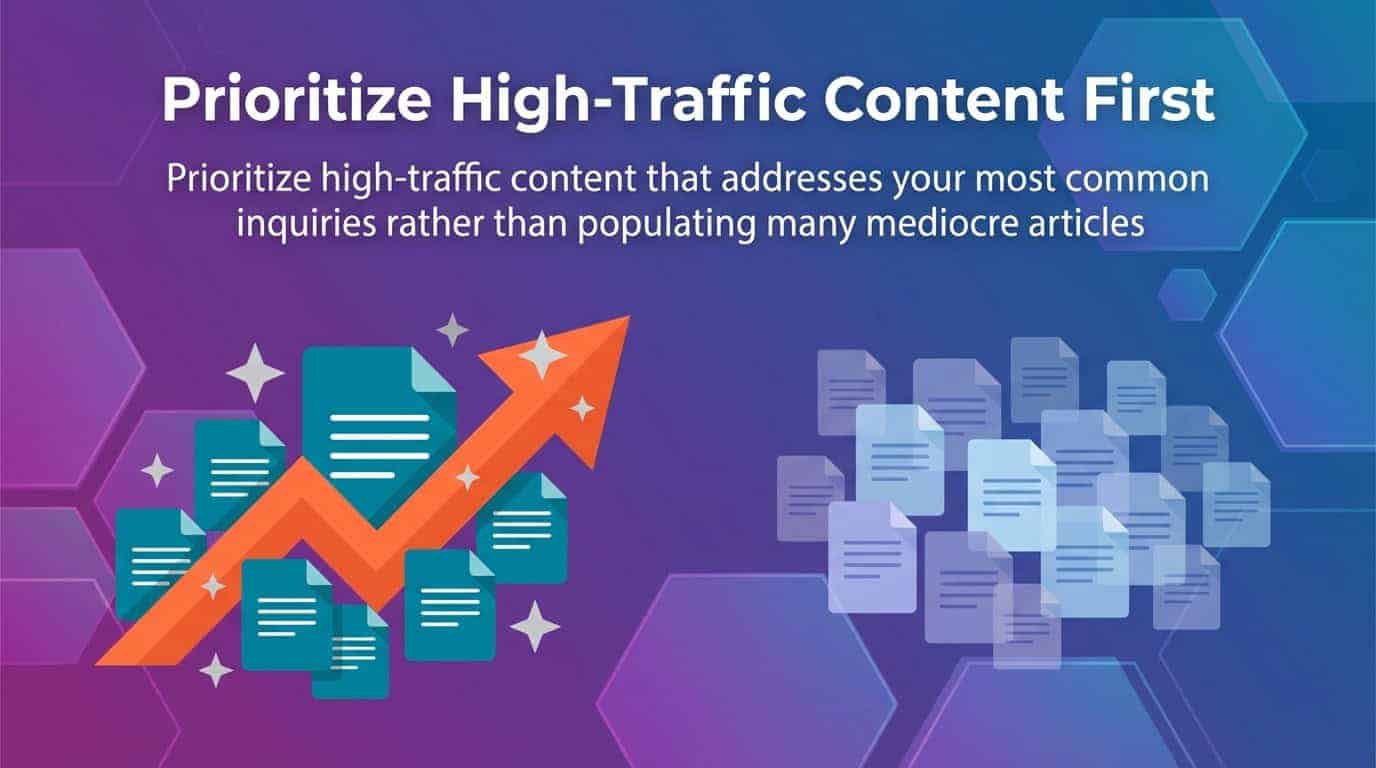
Prioritize high-traffic, high-impact content first; a handful of excellent articles beats dozens of mediocre ones.
User adoption depends on finding immediate value during first portal visits. Users who don’t accomplish their goals quickly rarely return to give portals second chances.
Experience Cloud – The Verdict?
Experience Cloud portals transform how external audiences interact with your organization. The platform’s native Salesforce integration eliminates the technical complexity and data synchronization challenges that plague traditional portal solutions.
Start with a focused use case that addresses a specific business problem. Measure results rigorously and expand portal capabilities based on demonstrated value rather than feature availability.
Your portal success depends more on understanding user needs and providing relevant content than on implementing every available feature. Build with purpose by solving real problems for defined audiences.
Looking for more on Salesforce?
Explore more insights and expertise at smartbridge.com/salesforce