

What is Microsoft Copilot Studio?
This guide provides a comprehensive walkthrough of Microsoft Copilot Studio, the low-code platform for building custom AI agents within the Microsoft Power Platform ecosystem.
Microsoft Copilot Studio is a low-code platform that empowers organizations to build intelligent AI agents. Teams are moving from experimenting with conversational AI to depending on it for operational tasks.
This platform sits within the Microsoft Power Platform ecosystem. It combines natural language understanding with visual development tools to create custom AI agents that handle everything from simple Q&A to complex workflow automation.
The platform uses NLU models and Azure OpenAI GPT models to generate conversational responses from knowledge sources. Organizations can build agents without extensive coding expertise, then deploy them across Microsoft 365, Teams, websites, and mobile applications.
You’re about to see how Copilot Studio transforms simple chatbots into production-ready AI agents. We’ll examine the platform’s core capabilities, compare it to Microsoft 365 Copilot, and provide a roadmap for implementation that avoids common pitfalls.
What is Microsoft Copilot Studio?
Copilot Studio is Microsoft’s answer to enterprise AI agent development. The platform lets business users and IT professionals create custom AI agents that understand natural language, connect to data sources, and automate business processes.
Think of it as a studio where you design the behavior of AI agents. These agents can answer questions, trigger workflows, process documents, and integrate with external systems.
Core Platform Capabilities
The platform provides three essential building blocks. First, a graphical interface for designing conversation flows without writing code. Second, natural language processing that understands user intent. Third, connectors that link agents to your data and systems.
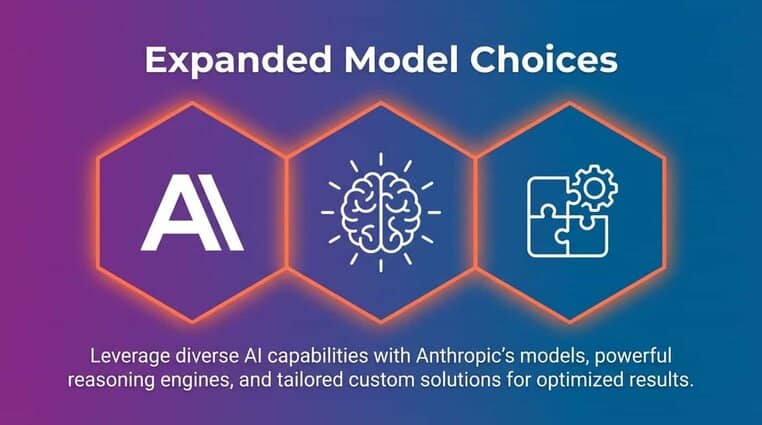
Organizations use these capabilities to build agents that actually move the needle. The platform now supports expanded model choices, including Anthropic models, reasoning-specific models, and bring-your-own-model options.
Platform Architecture and Integration
Copilot Studio integrates deeply with the Power Platform ecosystem. This connection matters because it gives your agents access to Power Apps, Power Automate workflows, and Power BI data.
Your agents can trigger automated workflows when certain conditions are met. They can query databases, update records, send notifications, and coordinate with other enterprise systems through connectors.
The platform also connects to Azure OpenAI Service for advanced AI capabilities. This architecture lets you combine pre-built AI models with your organization’s specific data and business logic.
Understanding AI Agents in Copilot Studio
Now that you understand the platform foundation, let’s examine what AI agents actually do. An agent is a configured AI system that performs specific tasks through conversation and automation.
These aren’t simple chatbots that follow decision trees. Agents understand context, learn from interactions, and can handle complex multi-turn conversations.
Types of AI Agents You Can Build
Copilot Studio supports three primary agent types. Each serves different organizational needs and complexity levels.
Q&A Agents answer questions by pulling information from knowledge bases. They’re ideal for customer support, employee self-service, and information retrieval scenarios.
Workflow Agents automate business processes. These agents can schedule meetings, process requests, update systems, and coordinate multi-step operations across different departments.
Autonomous Agents make decisions and take actions with minimal human intervention. They monitor conditions, analyze data, and execute appropriate responses based on organizational rules and AI reasoning.
How Agents Process Conversations
When a user starts a conversation, the agent uses natural language understanding to interpret intent. The system identifies what the user wants to accomplish, not just the keywords they used.
The agent then maps this intent to topics you’ve configured. Topics are conversation pathways that define how the agent should respond to specific requests.
Within each topic, you define the agent’s responses, questions it should ask, and actions it should take. The visual editor shows these conversation flows as connected nodes, making it easy to understand and modify behavior.
Copilot Studio vs Copilot for Microsoft 365: Key Differences
Many organizations confuse these two products. Both leverage Microsoft’s AI capabilities, but they serve fundamentally different purposes.
Understanding this distinction helps you determine which solution fits your specific needs. Some organizations need both, while others benefit most from just one.
Product Positioning and Purpose
Microsoft 365 Copilot is a pre-built AI assistant embedded across Microsoft 365 applications. It helps users write documents, analyze data, summarize meetings, and work more efficiently within familiar tools like Teams, Outlook, and Word.
Copilot Studio is a development platform where you build custom AI agents for specific business processes. These agents can live in Teams, on your website, in mobile apps, or anywhere else you need them.
Think of Microsoft 365 Copilot as a productivity assistant for individual workers. Copilot Studio lets you create specialized agents that automate department-specific workflows and answer industry-specific questions.
Customization and Control
Microsoft 365 Copilot provides limited customization. You can configure its behavior through prompts and controls, but you cannot fundamentally change how it works or what data it accesses beyond your Microsoft 365 environment.
Copilot Studio gives you complete control over agent behavior, data sources, and integration points. You design the conversation flows, choose which systems to connect, and define exactly how the agent should handle different scenarios.
This control matters when you need agents that understand your proprietary processes, terminology, and business rules. Comparing enterprise AI platforms like Copilot Studio with alternatives helps clarify which approach fits your organization’s needs.
Deployment and Access
Microsoft 365 Copilot deploys automatically to licensed users across their Microsoft 365 applications. Users access it through familiar interfaces without learning new tools.
Copilot Studio agents require deliberate creation and deployment. You build them, test them, and then publish them to specific channels where your target users can interact with them.
| Aspect | Microsoft 365 Copilot | Copilot Studio |
|---|---|---|
| Primary Purpose | Personal productivity enhancement | Custom AI agent development |
| Customization | Limited configuration options | Full control over behavior and logic |
| Data Sources | Microsoft 365 content only | Any connected system or database |
| Target Users | Individual knowledge workers | Specific departments or customer groups |
| Deployment | Automatic across M365 apps | Manual creation and publishing |
Low-Code and No-Code Development Platform
The low-code approach removes traditional barriers to AI development. Business users who understand their processes can now build agents without waiting for IT resources.
This democratization of AI development accelerates innovation. Teams can prototype solutions quickly, test them with real users, and iterate based on feedback.
Visual Development Interface
The graphical editor uses a node-based system. Each node represents a step in the conversation, an action to take, or a condition to check.
You connect these nodes to create conversation flows. When a user says something, the agent follows the path you’ve defined, asking questions, providing information, or triggering actions.
The visual nature makes it easy to understand complex logic. You can see the entire conversation structure at a glance and identify where users might get stuck or confused.
Natural Language Authoring
You can describe what you want the agent to do using plain language. The platform interprets your instructions and generates the underlying conversation logic.
This natural language authoring speeds up development significantly. Instead of configuring every detail manually, you explain the desired behavior and the system creates the initial structure.
Business analysts can use this approach to prototype quickly. Developers can then refine the implementation with custom code for complex scenarios.
When to Use Custom Code
The low-code approach handles most scenarios well. However, some situations benefit from custom development using Power Fx formulas or code components.
Use custom code when you need complex data transformations, integration with systems that don’t have pre-built connectors, or specialized business logic that’s difficult to express visually.
The platform supports this hybrid approach seamlessly. You can mix visual development with code-based customization in the same agent.
How Copilot Studio Works: Building Custom Agents
With the foundation established, let’s walk through the actual process of building an agent. The platform follows a structured workflow that guides you from concept to deployment.
Organizations that follow this systematic approach avoid the common trap of pilot purgatory. They move from experimentation to production-ready agents that deliver measurable value.
Planning Your Agent Strategy
Start by identifying a specific business problem or process that an agent could improve. Avoid the temptation to build a general-purpose assistant that tries to do everything.
Define clear success criteria. What metrics will indicate the agent is working? How will you measure adoption and effectiveness?
Assessing your readiness for AI implementation helps ensure you have the necessary data foundations and organizational support before building agents.
Designing Conversation Flows
Map out the typical conversations users will have with your agent. Identify the questions they’ll ask and the information they’ll need to provide.
Create topics for each major conversation type. A topic might handle password resets, another might process purchase requests, and a third might answer policy questions.
Within each topic, define the conversation steps. What questions should the agent ask? What information should it provide? When should it escalate to a human?
Connecting to Data Sources
Agents need access to organizational data to provide useful responses. Copilot Studio uses connectors to link your agent to databases, websites, SharePoint sites, and other systems.
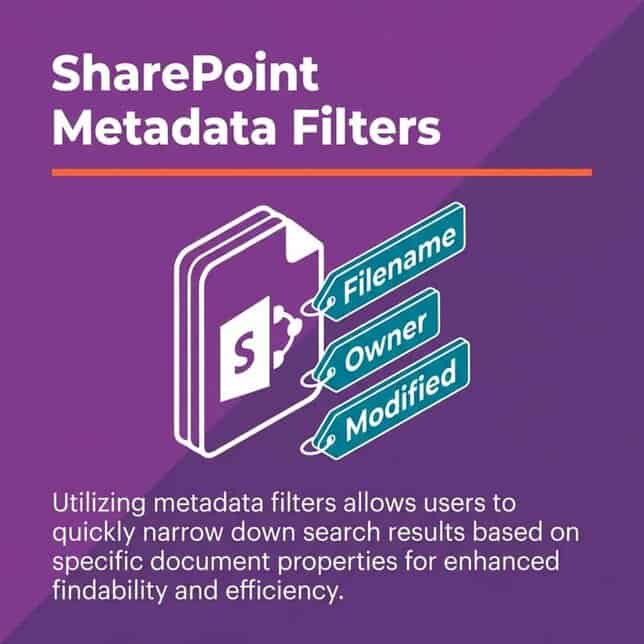
Building a solid data foundation before deployment ensures your agents can access clean, organized information that produces accurate responses.
Training and Testing Agents
Once you’ve built the basic structure, test the agent with real conversation examples. The platform provides a test pane where you can interact with your agent and see how it responds.
Look for gaps in the conversation logic. Where does the agent get confused? What questions does it struggle to answer? Use these insights to refine your topics and add new conversation paths.
Test with diverse user inputs. People phrase requests differently, so your agent needs to handle variations in wording and structure.
Publishing and Deployment
When your agent is ready, publish it to your chosen channels. Copilot Studio supports deployment to Microsoft Teams, websites, mobile apps, and other platforms.

Client SDK enables multimodal conversations embedded in Android, iOS, and Windows apps.
Analytics and Performance Monitoring
Building the agent is just the beginning. Continuous monitoring ensures it continues meeting user needs and identifies opportunities for improvement.
The analytics dashboard shows how users interact with your agent, where conversations break down, and which topics generate the most engagement.
Key Metrics to Track
Monitor conversation volume to understand adoption patterns. Are users finding and using the agent? Is usage growing over time?
Track resolution rate, which shows the percentage of conversations where the agent successfully helped the user without escalation. This metric indicates agent effectiveness.
Analyze conversation paths to identify where users abandon conversations. These abandonment points reveal gaps in your agent’s knowledge or confusing conversation design.
Improving Agent Performance
Copilot Chat Insights in the dashboard now requires only one Microsoft 365 Copilot license, making it easier to access valuable usage data.
Monitor sentiment data to understand user satisfaction. Negative sentiment patterns often point to specific pain points that need attention.
Licensing, Pricing, and Copilot Credits Explained
Understanding the cost structure helps you plan your AI agent strategy effectively. Microsoft uses a consumption-based model tied to Copilot Credits for advanced capabilities.
This pricing approach differs from traditional per-user licensing. You pay based on usage rather than the number of potential users.
Licensing Structure
Copilot Studio requires a base license that provides access to the development platform. This license allows you to create and publish agents without usage limitations for standard features.
Advanced features consume Copilot Credits, which organizations purchase separately. These credits get depleted as agents use AI models, process documents, or perform complex operations.
The consumption-based approach means you only pay for what you actually use. Organizations with seasonal demand patterns benefit from this flexibility.
Copilot Credits Consumption
Different operations consume different amounts of credits. Simple text conversations use minimal credits, while document processing, image generation, and advanced reasoning consume more.
Monitor credit consumption through the admin portal. This visibility helps you understand which agents drive costs and optimize usage accordingly.
Organizations can set budget alerts to avoid unexpected charges. When credit consumption approaches defined thresholds, administrators receive notifications.
Cost Optimization Strategies
Start with simpler AI models for straightforward tasks. Reserve advanced models for scenarios that truly require sophisticated reasoning.
Cache frequently requested information to reduce API calls. If your agent answers the same questions repeatedly, store those responses and serve them from cache.
Set conversation limits to prevent runaway costs. Define maximum conversation lengths or interaction counts per user session.
Governance and Security Controls
Enterprise deployment requires robust governance and security measures. Organizations need confidence that agents handle data appropriately and comply with regulations.
Copilot Studio provides controls that IT teams need to manage agent behavior and protect sensitive information.
Data Loss Prevention
Data loss prevention policies control what information agents can access and share. You can configure policies that prevent agents from exposing sensitive data like social security numbers, credit card information, or proprietary business data.
These policies work at the connector level. You can allow access to certain data sources while blocking others based on data classification and user roles.
Integration with Microsoft Purview extends these controls across your entire data estate.
Authentication and Access Control
Agents can authenticate users through Microsoft Entra ID. This integration ensures only authorized users can interact with agents and access underlying data.
Role-based access control determines what actions different users can perform. An employee might access basic information, while a manager gets additional capabilities.
The platform supports single sign-on, eliminating the need for users to authenticate separately when using agents within Microsoft 365.
Audit and Compliance
All agent interactions generate audit logs that track who accessed what information and when. These logs support compliance requirements and security investigations.
Organizations can configure retention policies for conversation data. Define how long conversation history is stored and when it gets automatically deleted.
The platform supports industry compliance standards including GDPR, HIPAA, and SOC 2. Microsoft provides compliance documentation and certifications for regulated industries.
Use Cases and Business Scenarios
Practical applications help clarify how organizations use Copilot Studio to solve real business challenges. These scenarios demonstrate the platform’s versatility across industries and departments.
IT Support and Service Desk
IT departments use agents to handle common support requests. The agent can reset passwords, unlock accounts, provision software access, and answer technical questions.
When the agent cannot resolve an issue, it collects relevant information and creates a ticket with all necessary details. This handoff ensures smooth escalation to human support staff.
The result is faster resolution for simple issues and better utilization of skilled IT staff for complex problems.
HR Self-Service
Human resources agents help employees access information about benefits, policies, time-off procedures, and career development opportunities.
Employees can ask questions in natural language instead of searching through policy documents or knowledge bases. The agent understands context and provides relevant information quickly.
These agents reduce the volume of routine HR inquiries, allowing HR professionals to focus on strategic initiatives and employee development.
Customer Service Automation
Customer-facing agents handle product questions, order status inquiries, return processing, and basic troubleshooting.
The agent can access customer order history, product catalogs, and knowledge bases to provide personalized responses. When issues require human intervention, the agent transfers the conversation with full context.
Organizations see reduced support costs and improved customer satisfaction through 24/7 availability and instant response times.
Sales Enablement
Sales agents help representatives find product information, pricing details, competitive comparisons, and proposal templates.
Instead of interrupting colleagues or searching through scattered documents, sales reps ask the agent and receive immediate answers with references to source materials.
This quick access to information shortens sales cycles and ensures representatives present accurate information to prospects.
Integration with Microsoft 365 and External Systems
Agents deliver maximum value when they can access and act on data across your technology stack. Integration capabilities determine how useful your agents become in practice.
The platform’s connector ecosystem eliminates many integration challenges that historically complicated automation projects.
Microsoft 365 Integration
Deep integration with Microsoft 365 lets agents access emails, calendar events, documents, and collaboration spaces.
An agent can check your calendar and schedule meetings, search SharePoint for relevant documents, or send Teams messages to notify colleagues about important updates.
This native integration means agents work within the tools your employees already use daily. There’s no need to learn new interfaces or switch between applications.
Power Platform Connections
Agents leverage the entire Power Platform connector library. This access includes connections to databases, business applications, cloud services, and on-premises systems.
Understanding how Power Platform integrates with Microsoft Fabric helps you build agents that can access unified data and analytics capabilities.
You can trigger Power Automate flows from agent conversations. This capability lets agents orchestrate complex multi-step processes across different systems.
Custom API Integration
For systems without pre-built connectors, create custom connectors using REST APIs. The platform provides tools to define API endpoints, authentication methods, and data structures.
Once configured, custom connectors work just like pre-built ones. Your agents can call these APIs to retrieve data or trigger actions in proprietary systems.
This extensibility ensures agents can integrate with any system that exposes an API, regardless of whether Microsoft provides native support.
Getting Started: Implementation Roadmap
You now have a framework for understanding Copilot Studio’s capabilities and applications. The path forward requires deliberate planning and phased implementation.
Organizations that succeed with AI agents follow a structured approach. They start small, prove value quickly, and then scale systematically.
Phase 1: Foundation Building
Begin by ensuring your data infrastructure supports AI agents. Clean, organized, and accessible data is essential for agent effectiveness.
Identify stakeholders across IT, business units, and compliance teams. Establish governance policies before building your first agent.
A successful Power Platform adoption playbook provides strategies that apply directly to Copilot Studio implementations.
Phase 2: Pilot Agent Development
Select a use case with clear business value and manageable scope. IT support, HR self-service, or departmental FAQ agents make excellent starting points.
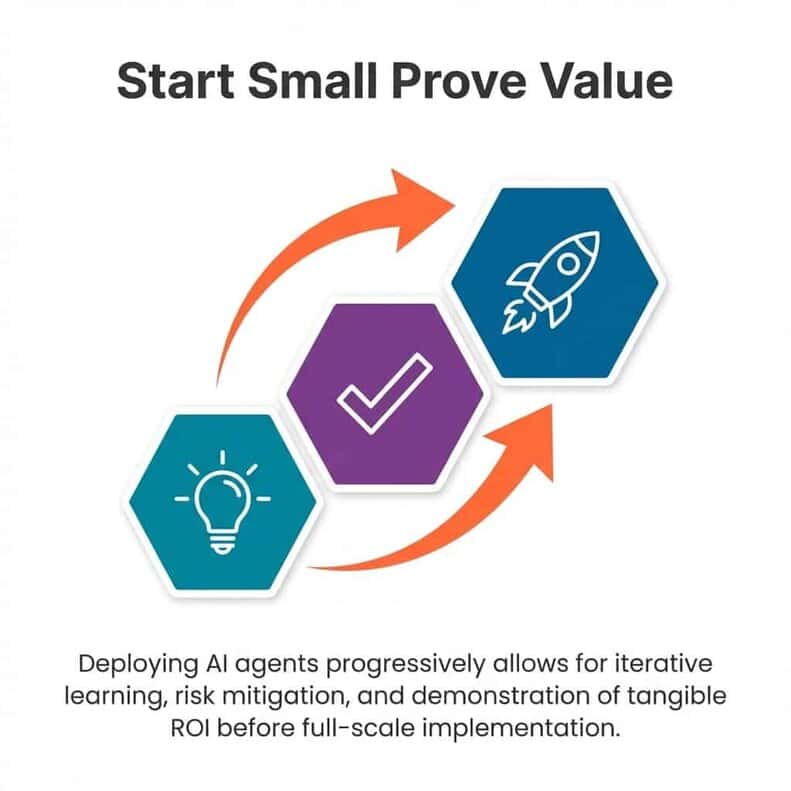
Establish success metrics and monitoring processes. Define how you’ll measure adoption, effectiveness, and user satisfaction.
Phase 3: Scaled Deployment
After validating your pilot agent, expand to additional use cases and user groups. Apply lessons learned to accelerate subsequent agent development.
Build an internal center of excellence that shares best practices, reusable components, and agent templates across teams.
Monitor credit consumption and optimize costs as usage scales. Implement the cost control strategies discussed earlier.
Phase 4: Continuous Improvement
Establish regular review cycles for agent performance. Use analytics to identify improvement opportunities and prioritize enhancements.
Stay current with platform updates and new capabilities. Microsoft regularly releases features that can enhance existing agents or enable new scenarios.
Expert guidance on Microsoft AI helps you navigate the changing technology and maintain competitive advantage through strategic AI adoption.
Moving Forward With Purpose
Copilot Studio represents a shift in how organizations approach automation and AI. The low-code platform removes barriers that previously kept AI development within IT departments.
Business teams can now build agents that understand their specific processes and terminology. This democratization accelerates innovation and helps organizations respond faster to changing needs.
The key is building with purpose, not patchwork. Start with clear business problems, design thoughtful solutions, and implement with proper governance. Organizations that follow this approach move from pilots to production-ready agents that deliver measurable value.
Your journey begins with understanding your current state. Assess your data readiness, identify high-value use cases, and build the organizational support needed for successful AI adoption.
Integration between Copilot and Azure AI Studio expands possibilities as your AI maturity grows. The platform scales with your organization’s needs and capabilities.
Digital maturity comes from systematic, strategic approaches to technology adoption. Copilot Studio provides the tools. Your strategy determines the outcomes.