
What is Microsoft Agent 365?
Smartbridge tracked the enterprise AI market in early 2026 and saw a pattern. Organizations deployed AI agents at scale without knowing what agents existed, who controlled them, or what data they accessed.
Microsoft Agent 365 is the centralized control plane for governing, securing, and operating AI agents across your enterprise. It extends identity management, access controls, and security monitoring from human users to autonomous AI agents. IT leaders get unified visibility and governance over every agent in the Microsoft 365 ecosystem.
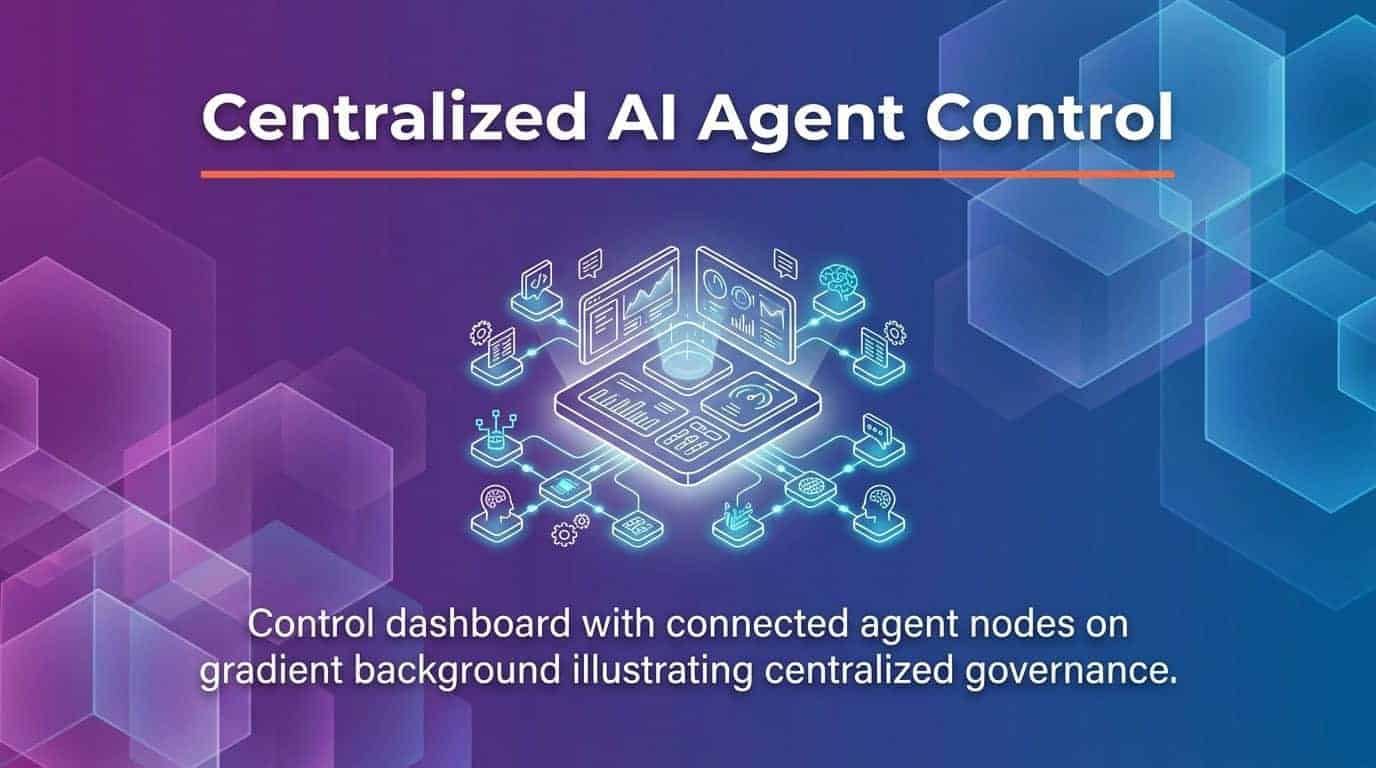
Microsoft Agent 365 is the centralized control plane for governing, securing, and operating AI agents across your enterprise.

Agent 365 becomes available for everyone on May 1, 2026
AI agents are now essential members of your workforce. Without governance, you face security blind spots, compliance risks, and chaos as teams deploy agents without oversight.
Agent 365 addresses three enterprise needs. First, identity management through Microsoft Entra Agent IDs treats each agent as a full organizational member with authentication and permissions. Second, security monitoring integrated with Microsoft Defender detects compromised or risky agent behavior. Third, governance policies through Microsoft Purview maintain compliance and data protection standards.
You’ll see what Agent 365 does, why IT leaders need it, and how to implement centralized agent management at enterprise scale. The control plane approach transforms scattered AI deployments into a governed, secure agent ecosystem.
Understanding the Control Plane Architecture
The control plane concept comes from infrastructure management—the centralized layer that governs distributed systems.
Microsoft Agent 365 emerged as Microsoft’s answer to a critical challenge facing modern enterprises: the rapid proliferation of artificial intelligence agents deployed across organizational boundaries without centralized visibility or governance. Teams built agents in Copilot Studio, integrated third-party agentic AI tools, and deployed custom solutions without IT oversight.
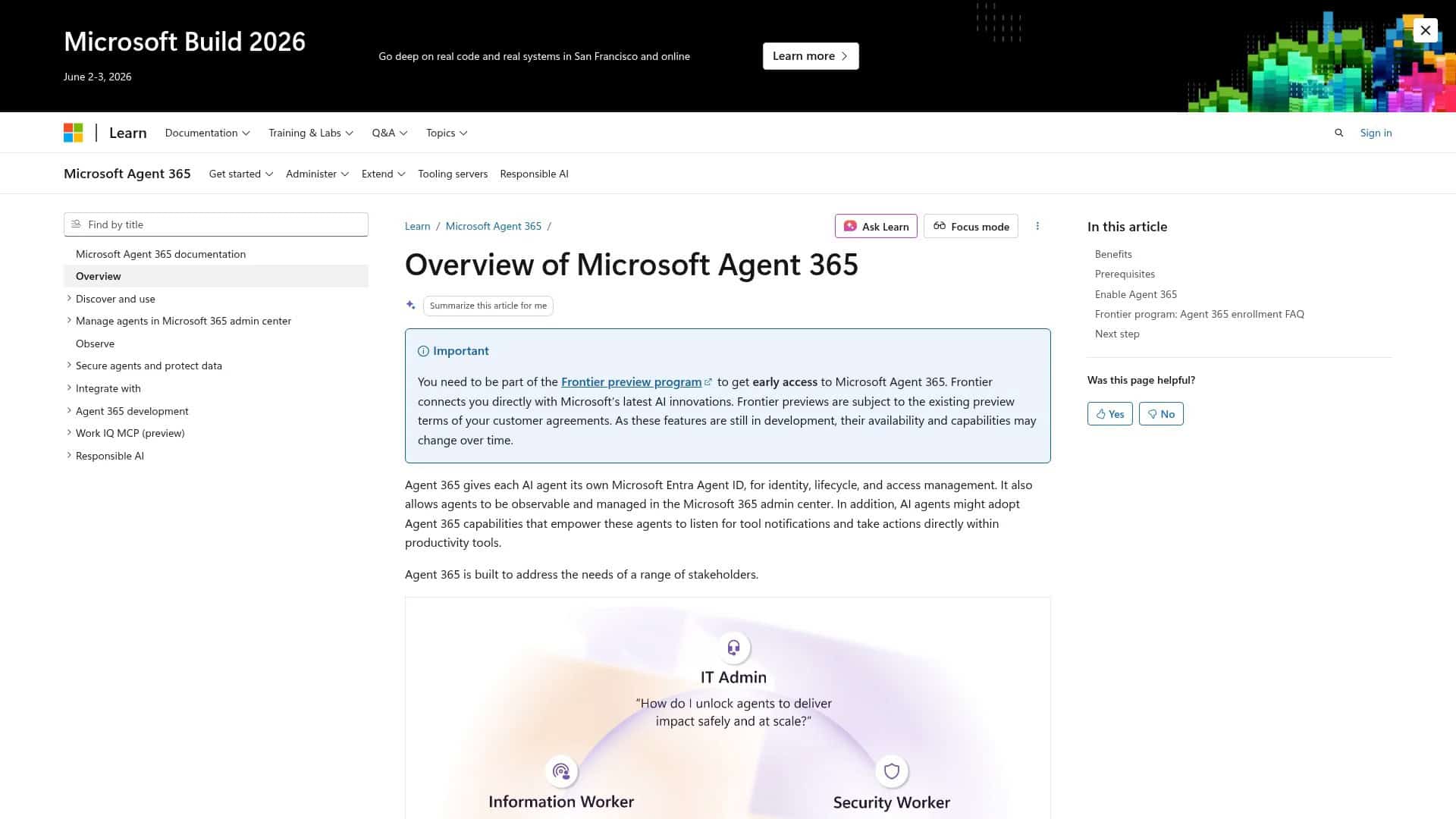
Microsoft Learn: Agent 365 overview page explaining the control plane approach
Agent 365 operates as the management layer above distributed agents. It doesn’t replace your agents or dictate how they work. It provides infrastructure for identity, access control, monitoring, and governance across all agents regardless of where they were built or deployed.
The Three-Layer Agent Management Model
Agent 365 operates through three interconnected layers.
The identity layer assigns each agent a unique Microsoft Entra Agent ID. Agentic users function as full members of Microsoft 365 organizations with comprehensive organizational integration capabilities. Agents go from anonymous scripts to authenticated entities with lifecycle management, conditional access policies, and audit trails.
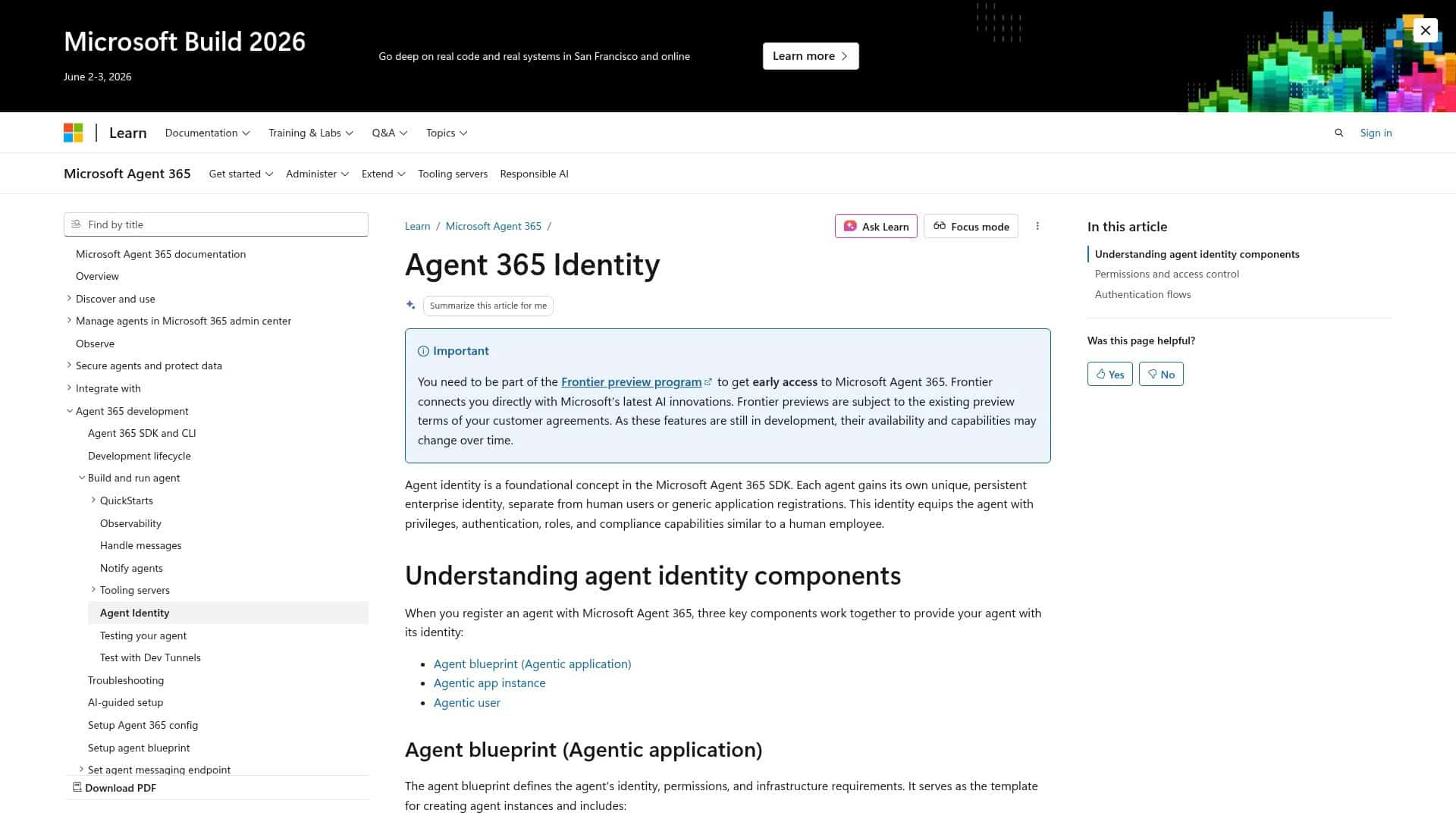
Microsoft Learn: Entra Agent ID developer documentation
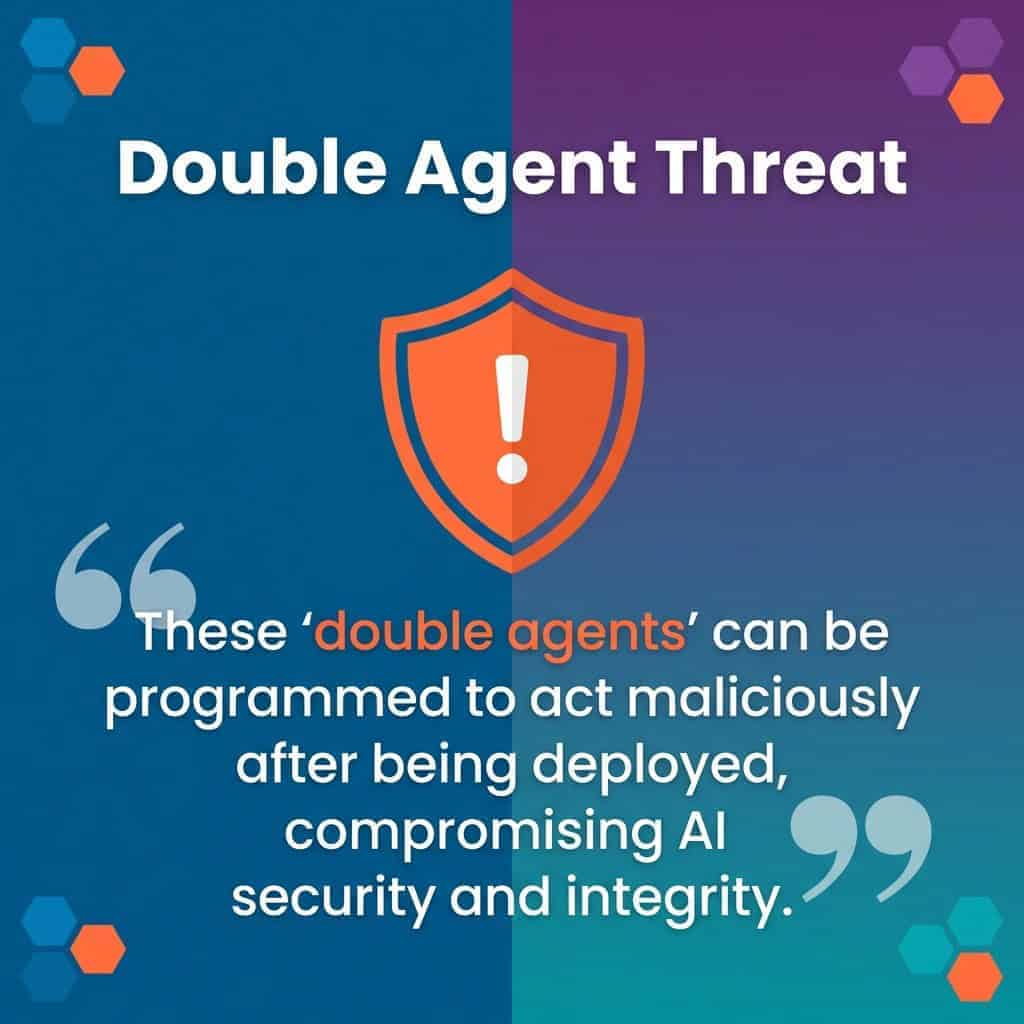
The security layer monitors agent behavior in real time. Microsoft Defender integration detects anomalies, risky actions, and potential compromises. According to Microsoft security research, the risk of ‘double agents’ emerges when agents become compromised or manipulated, essentially turning organizational tools into insider threats. The security layer scans for these threats.
The governance layer applies policies and controls. Microsoft Purview integration enforces data protection requirements, retention policies, and compliance boundaries. IT administrators define what data agents can access, what actions they can perform, and how long they maintain permissions.
How Agent 365 Differs from Traditional IT Management
Traditional IT management was built for users and devices. Agents need different approaches.
Users log in periodically. Agents operate nonstop. Users follow predictable patterns. Agents adapt based on training and context. Users understand policies. Agents execute within programmed boundaries.
Agent 365 accounts for these differences while using familiar Microsoft 365 management interfaces. IT administrators access agent management through the same admin center they use for user management, but with agent-specific capabilities like behavior monitoring, automated policy enforcement, and lifecycle controls tailored to autonomous systems.
The Agent Registry and Discovery Capabilities
You can’t govern what you can’t see. The agent registry solves visibility.
The Agent 365 registry includes agents that have been explicitly assigned Agent IDs, agents that organizations manually register through self-service processes, and increasingly, shadow agents that were previously deployed without formal organizational approval. This comprehensive inventory is the foundation for governance.
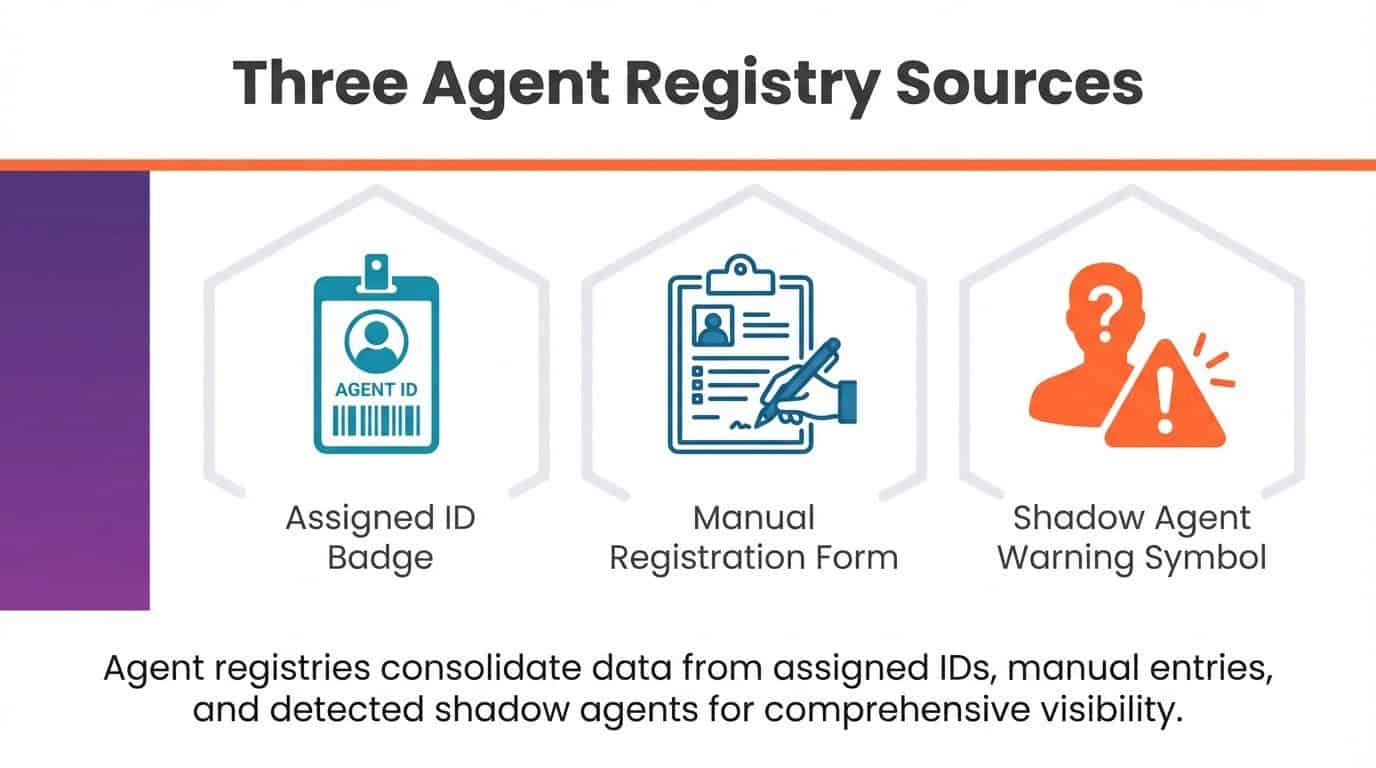
The Agent 365 registry includes explicitly assigned Agent IDs, manually registered agents, and shadow agents deployed without approval.
Automatic Agent Discovery Process
Agent 365 scans your Microsoft 365 environment to identify deployed agents.
The discovery process examines Microsoft 365 Copilot agents created in Copilot Studio. It detects agents integrated through Microsoft Foundry and partner ecosystems. It identifies custom agents built using Microsoft Graph APIs and other development frameworks.
Each discovered agent appears in the registry with metadata about its capabilities, data access patterns, and deployment context. IT teams review this inventory to understand their complete agent landscape before applying governance policies.
Manual Agent Registration Workflow
Organizations can register agents proactively through self-service workflows.
Development teams building new agents submit registration requests through the Agent 365 portal. The workflow captures agent purpose, required permissions, data access needs, and expected behavior patterns. IT administrators review requests against security and compliance policies before approval.
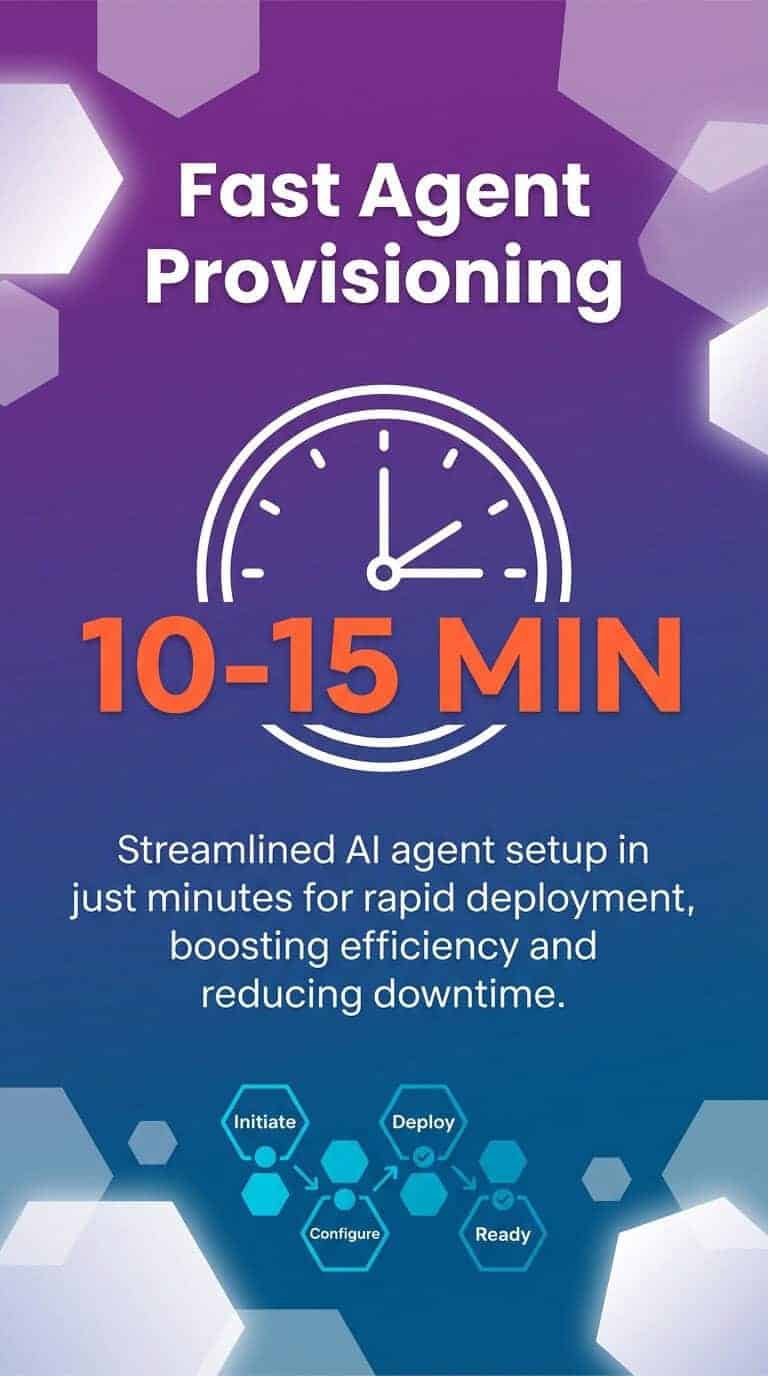
The resource provisioning for agentic users typically completes within ten to fifteen minutes after license assignment, though in some cases provisioning may require up to twenty-four hours. Once provisioned, agents receive their Entra Agent ID and begin operating under defined governance policies.
Resource provisioning for agentic users typically completes within ten to fifteen minutes after license assignment.
Shadow Agent Remediation
Shadow agents are the biggest governance risk—agents operating without IT knowledge or oversight.
Agent 365 identifies shadow agents during discovery scans. IT teams receive alerts about unauthorized deployments with details about what data the agent accesses and what actions it performs. Administrators evaluate each shadow agent to determine if it should be registered, modified to meet security requirements, or decommissioned.
The remediation workflow brings shadow agents under management without disrupting business processes. Teams with compliant shadow agents can register them quickly. Risky shadow agents get flagged for security review before approval.
Core Capabilities: Observability, Governance, and Security
Three capability pillars support enterprise-scale agent management. Each addresses distinct IT concerns.
Observability and Performance Monitoring
You need visibility into how agents perform in production.
Agent 365 provides centralized dashboards showing agent activity across your organization. Monitor how many times agents are invoked, what tasks they complete, and where they encounter errors or limitations. Track resource consumption to understand infrastructure requirements as agent usage scales.
Work IQ serves as the intelligence layer that provides agents with organizational context, understanding of work patterns, and knowledge of relationships within the organization. This contextual intelligence improves agent performance while the observability layer tracks effectiveness metrics.
Performance data helps IT teams optimize agent deployments. Identify which agents deliver measurable business value versus which consume resources without clear returns. Use behavioral patterns to inform governance decisions about agent expansion or constraints.
Governance and Compliance Controls
Regulatory requirements apply to agents the same way they apply to human users.
Agent 365 enforces data governance policies through Microsoft Purview integration. Define what data classifications agents can access. Set retention policies for agent-generated content. Apply information barriers to prevent agents from crossing compliance boundaries between business units or geographic regions.
| Governance Capability | Enterprise Application | Compliance Benefit |
|---|---|---|
| Data Classification Enforcement | Restrict agents from accessing highly confidential documents | Prevents unauthorized data exposure through agent interactions |
| Retention Policy Application | Archive agent-generated communications per legal requirements | Maintains regulatory compliance for audits and discovery |
| Information Barriers | Prevent agents from sharing data across restricted business units | Enforces organizational compliance boundaries |
| Access Package Management | Time-limited agent permissions with automatic expiration | Reduces exposure from over-privileged agents through temporal controls |
Audit capabilities track every agent action for compliance reporting. Generate reports showing which agents accessed specific data sets, when they performed actions, and what changes they made to organizational resources. These audit trails support regulatory examinations and internal security reviews.
Security and Threat Protection
Agents present unique security risks that traditional defenses weren’t built to address.
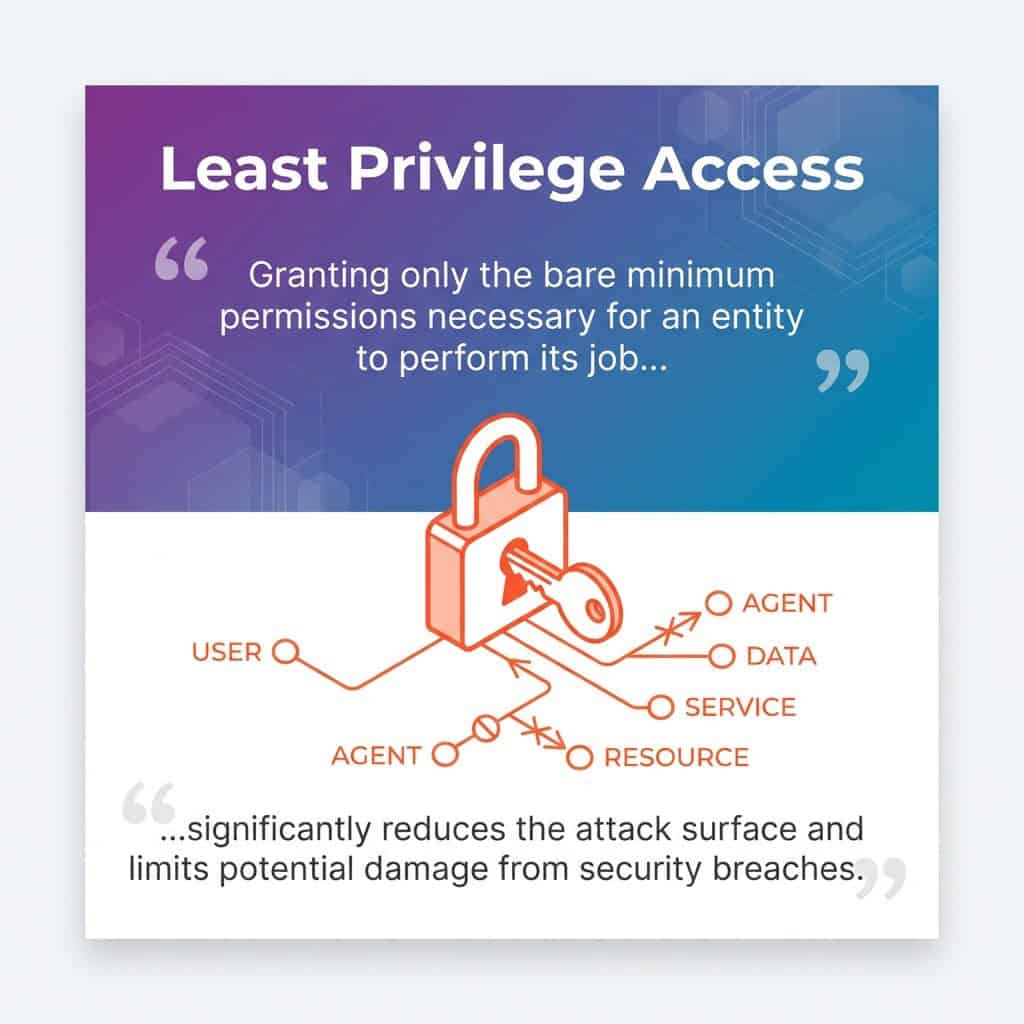
The access control capability transforms agent security by extending the same identity-based, principle of least privilege access controls that enterprises apply to human users and service applications to AI agents. Each agent operates with only the minimum permissions required for its function.
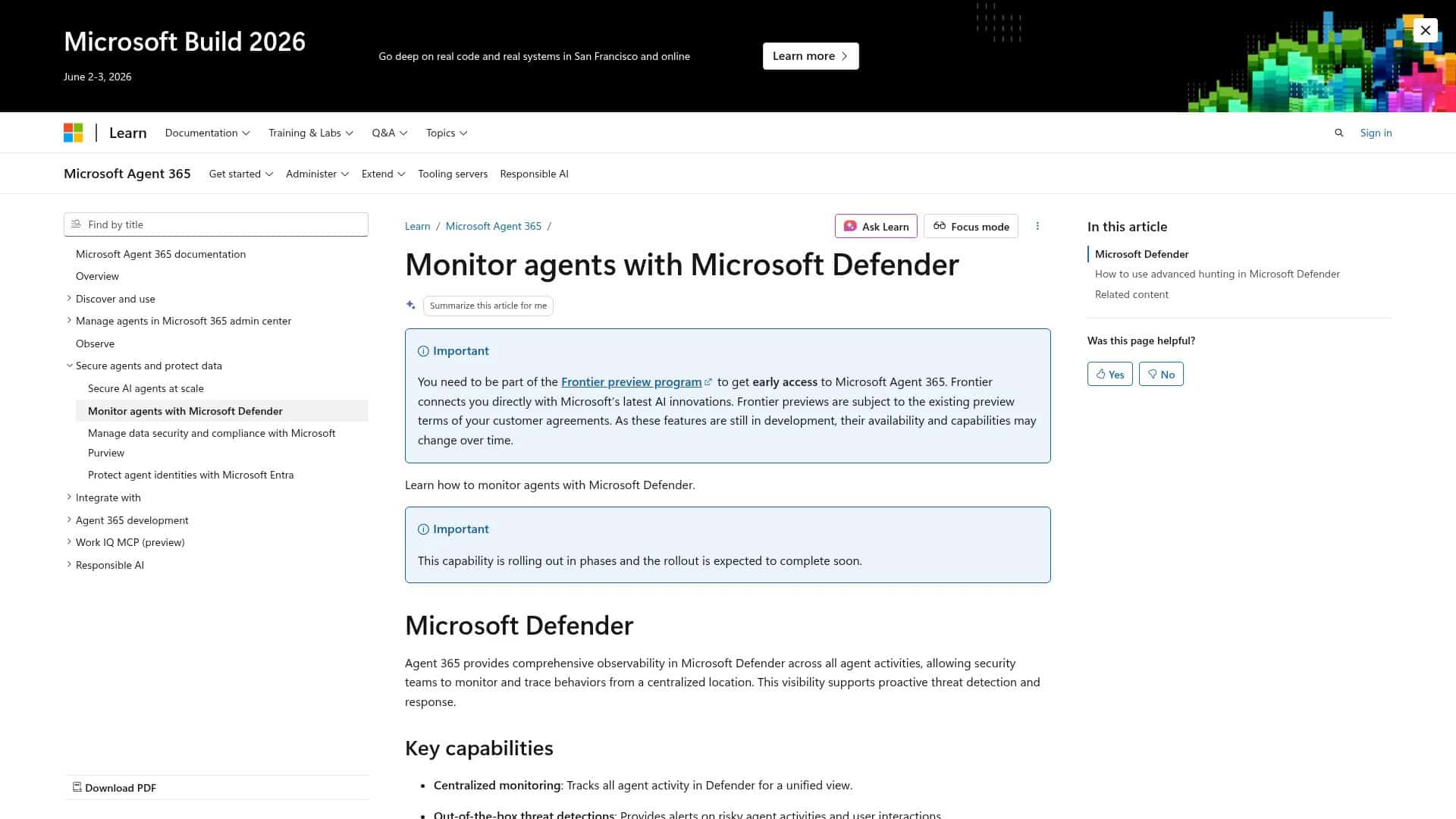
Microsoft Learn: Agent 365 threat protection and access control
Microsoft Defender monitors agent behavior for security anomalies. Detect agents accessing unusual data patterns, performing actions outside their typical scope, or exhibiting signs of compromise. Automated responses can quarantine suspicious agents, revoke permissions, or trigger security team alerts based on threat severity.
Conditional access policies apply to agents the same way they apply to users. Define conditions under which agents can operate, such as requiring agents to connect from specific network locations, limiting agent activity to business hours, or enforcing additional authentication steps for sensitive operations.
Identity Management Through Microsoft Entra Integration
Identity is the foundation of security. Agent 365 brings agents into your existing identity infrastructure.
Microsoft Entra provides the identity platform for Agent 365. Each agent receives an Entra Agent ID that functions like a user identity but with agent-specific attributes and capabilities. This identity enables authentication, authorization, and audit logging using the same systems that govern human access.
Agent Lifecycle Management
Agents have lifecycles from creation through retirement. Agent 365 manages each phase.
Creation begins with identity assignment. New agents receive Entra Agent IDs during registration or deployment. The identity includes metadata about agent purpose, owner, and intended capabilities. Initial permissions follow least privilege principles.
Operational management includes permission updates as agent needs evolve. Access reviews ensure agents maintain appropriate permissions over time. IT teams recertify agent access periodically to prevent permission creep and identify agents that should be decommissioned.
Retirement removes agent identities and revokes all permissions when agents are no longer needed. The lifecycle management workflow archives agent activity logs for compliance retention while cleaning up active directory entries and access grants.
Access Control and Permission Scoping
Agents should only access what they need for their specific functions.
Agent 365 applies scoped permissions at the identity level. Define which Microsoft 365 services each agent can access, what actions they can perform within those services, and what data they can read or modify. Permission scopes are granular enough to differentiate between agents that only read data versus agents that create or update organizational resources.
Role-based access control groups agents with similar functions. Create agent roles like “data analysis agent,” “customer service agent,” or “document processing agent” with standardized permission sets. Assign new agents to appropriate roles rather than configuring permissions one by one.
Conditional Access Policies for Agents
Context matters for security. Conditional access enforces security based on circumstances.
Define conditions that trigger additional security controls for agent operations. Require multi-factor authentication equivalents for agents accessing sensitive data. Restrict agent activity to specific network locations or require virtual private network connections. Enforce device compliance checks for agents running on specific infrastructure.
Time-based policies limit when agents can operate. Restrict experimental agents to development environments during business hours. Prevent production agents from making changes during business-critical periods. Apply different permission levels based on time of day or day of week.
Security Features: Protecting Your Agent Ecosystem
Agent security needs proactive monitoring and rapid response.
Microsoft Defender integration provides security monitoring infrastructure for Agent 365. Threat detection analyzes agent behavior patterns, identifies anomalies, and flags potential security incidents before they become breaches.
Behavioral Threat Detection
Normal agent behavior follows predictable patterns. Deviations signal potential security issues.
Defender establishes behavioral baselines for each agent by monitoring typical activities over time. Machine learning models identify when agents deviate from established patterns—agents that suddenly access different data sets, perform unusual operations, communicate with unexpected services.
Threat indicators include agents accessing data they’ve never needed before, agents attempting operations outside their permission scope, agents showing signs of compromised credentials, and agents exhibiting behavior consistent with data exfiltration attempts.
Vulnerability Management for Agents
Agents have vulnerabilities the same way software applications do. Assessment identifies risks.
Agent 365 scans agent configurations for security weaknesses. Identify agents with permissions that violate least privilege principles. Detect agents lacking adequate authentication controls. Flag agents using deprecated APIs or outdated integration methods that introduce security gaps.
Vulnerability reports prioritize risks by severity and potential impact. IT security teams receive remediation guidance for each identified vulnerability. Automated workflows can enforce remediation deadlines and escalate unresolved high-severity risks.
Incident Response and Agent Quarantine
Security incidents need immediate action. Agent 365 provides rapid response capabilities.
Security monitoring detects a compromised or suspicious agent and automated responses activate. Options include suspending agent operations while maintaining audit logging, revoking specific permissions while allowing limited functionality, quarantining the agent by removing all access, and alerting security operations teams for investigation.
Incident timelines capture complete agent activity before security events. Investigators review what data the agent accessed, what actions it performed, and what changes it made to determine incident scope and impact. Forensic data supports containment decisions and recovery planning.
Integration with the Microsoft 365 Ecosystem
Agent 365 works within your existing Microsoft 365 environment. Integration creates unified management experiences.
The Microsoft 365 Admin Center serves as the primary management interface. IT administrators access agent management alongside user management, device management, and service configuration. This unified approach reduces training requirements and leverages existing administrative expertise.
Microsoft 365 Copilot Agent Management
Microsoft 365 Copilot agents represent a significant portion of enterprise agent deployments.
Agent 365 discovers all Copilot agents deployed through Copilot Studio. These agents appear in the registry with details about their capabilities, connected data sources, and user communities. Apply consistent governance policies across Copilot agents the same way you govern custom-built agents.
Copilot agent analytics integrate with Agent 365 observability. Track which Copilot agents users rely on most, which deliver measurable productivity improvements, and which encounter frequent errors or user abandonment. Use performance data to guide Copilot investment decisions and training priorities.
Third-Party Agent Integration
Enterprise AI strategies include agents from multiple sources beyond Microsoft tools.
Agent 365 supports third-party agent registration through standardized integration methods. Partner agents built on Microsoft Foundry integrate with full identity and security capabilities. Custom agents using Microsoft Graph APIs register through the same workflows as Microsoft-native agents.
External agents not built on Microsoft platforms can still appear in the registry. Manual registration captures metadata about external agents even when full identity integration isn’t possible. You get complete visibility across your hybrid agent ecosystem while recognizing integration limitations.
Data Integration and Work IQ
Agents need organizational context to work well. Work IQ provides that intelligence layer.
Work IQ connects agents to Microsoft Graph data about organizational structure, communication patterns, and work relationships. Agents understand which teams collaborate frequently, what projects are priorities, and how information flows through your organization. This context improves agent recommendations and automation decisions.
Agent 365 governs Work IQ access alongside other data permissions. Define which agents can access organizational context data, what types of relationships agents can query, and what insights agents can derive from Work IQ. Privacy controls prevent agents from accessing personal information beyond their functional requirements.
Getting Started with Agent 365
Implementing Agent 365 needs systematic planning and phased execution.
The platform becomes available on 05/01/2026 for Microsoft 365 organizations. Early planning allows IT teams to prepare infrastructure, define governance policies, and establish management processes before the general availability date.
Initial Implementation Steps
Start with discovery to understand your current agent landscape.
Run initial agent discovery scans across your Microsoft 365 environment. Review the inventory of detected agents including Copilot agents, custom deployments, and shadow agents. Categorize agents by risk level, business criticality, and compliance requirements to inform governance priorities.
Define governance policies before enforcing controls. Establish which agents need formal registration, what permission levels different agent types should receive, and what monitoring thresholds trigger security alerts. Document approval workflows for new agent deployments and access expansion requests.
Configure Microsoft Entra integration for identity management. Verify that your Entra environment supports agentic user identities. Define naming conventions for agent identities to distinguish them from human users and service principals. Establish role-based access control groups for common agent types.
Phased Rollout Strategy
Enterprise-scale deployment works best through phased approaches that build confidence.
Phase one focuses on visibility without enforcement. Deploy the agent registry and discovery capabilities. Teams see their complete agent inventory without restrictive controls. Use this observability period to refine policies based on agent usage patterns.
Phase two implements governance for new agents. All new agent deployments follow formal registration and approval processes. Existing agents stay in observability mode while new agents operate under full governance. This minimizes disruption to established workflows while enforcing standards for new work.
Phase three brings existing agents under management. Work with business units to register and assign identities to previously deployed agents. Apply governance policies across agent categories. Prioritize high-risk agents and agents accessing sensitive data for early governance implementation.
Success Metrics and ROI Measurement
Track specific outcomes to demonstrate Agent 365 value to organizational leadership.
| Success Metric | Measurement Method | Business Impact |
|---|---|---|
| Agent Inventory Completeness | Percentage of operational agents registered in Agent 365 | Comprehensive visibility enables governance and risk management |
| Security Incident Reduction | Comparison of agent-related security events before and after implementation | Quantifies risk mitigation and security posture improvement |
| Compliance Audit Efficiency | Time required to generate agent activity reports for regulatory reviews | Reduces compliance costs and audit preparation burden |
| Shadow Agent Remediation Rate | Number of unauthorized agents brought under management or decommissioned | Eliminates governance blind spots and security vulnerabilities |
Monitor agent performance improvements from better resource allocation and permission scoping. Track help desk tickets related to agent issues before and after centralized management implementation. Calculate time savings for IT administrators managing agents through unified interfaces versus scattered tools.
Building Toward Production-Ready Agent Governance
Agent 365 represents Microsoft’s answer to a challenge in enterprise AI adoption. As organizations moved from experimenting with AI to depending on it, the lack of centralized governance created security blind spots, compliance risks, and operational inefficiencies.
The control plane approach brings proven IT management principles to AI agents. Identity management, access controls, behavioral monitoring, and policy enforcement work for agents the same way they work for users. This extends your existing security investments rather than requiring parallel systems for agent governance.
Your next step depends on your current agent maturity. Organizations beginning AI agent adoption benefit from implementing Agent 365 governance before widespread deployment. This builds security and compliance into agent operations from the start rather than retrofitting controls later.
Organizations with existing agent deployments should prioritize discovery and inventory. Understanding what agents operate in your environment is the foundation for bringing them under management. Use the time before the 05/01/2026 availability date to catalog agents, define governance policies, and prepare integration with Microsoft Entra.
Agent 365 doesn’t slow down AI adoption. It makes agent expansion sustainable and secure at enterprise scale. Establish governance infrastructure that scales alongside your agentic AI strategy.
For guidance on implementing Agent 365 within your broader Microsoft AI strategy, explore our comprehensive Microsoft AI resources. Organizations seeking practical agentic AI applications can see how governance supports production deployments across industries.