
Salesforce Agentforce vs Microsoft Copilot Studio: 2026 Comparison
This article provides a detailed side-by-side comparison of Salesforce Agentforce and Microsoft Copilot Studio, the two dominant enterprise AI agent platforms in 2026.
Two platforms now dominate the enterprise AI agent space in 2026. Salesforce Agentforce and Microsoft Copilot Studio both promise to deliver autonomous agents that handle customer service, sales support, and operational tasks. Yet their architectures, integration approaches, and deployment philosophies differ significantly.
Here’s what sets them apart.
Salesforce Agentforce centers on CRM-native AI agents. Built directly into the Salesforce platform, it uses the Atlas Reasoning Engine to power autonomous decision-making within your existing CRM workflows. The platform allows for low-code/no-code setup, making it accessible to administrators without deep technical backgrounds.
Microsoft Copilot Studio integrates across the Microsoft 365 ecosystem. According to platform documentation, Copilot Studio integrates with Microsoft 365, Azure, and Power Platform, positioning it as the natural choice for organizations already invested in Microsoft infrastructure. The Visual Studio Code extension provides IntelliSense and GitHub Copilot integration, giving developers familiar tools for agent customization.
The question isn’t which platform is “better” in absolute terms. It’s which architecture aligns with your existing technology investments, data infrastructure, and operational discipline.
What Agentforce and Copilot Studio Actually Do
Both platforms build autonomous AI agents. These agents handle tasks traditionally requiring human intervention.
But their foundations differ.
Agentforce Architecture and Approach
Agentforce operates within Salesforce’s ecosystem. It uses your CRM data, customer interaction history, and business processes as the foundation for agent behavior.
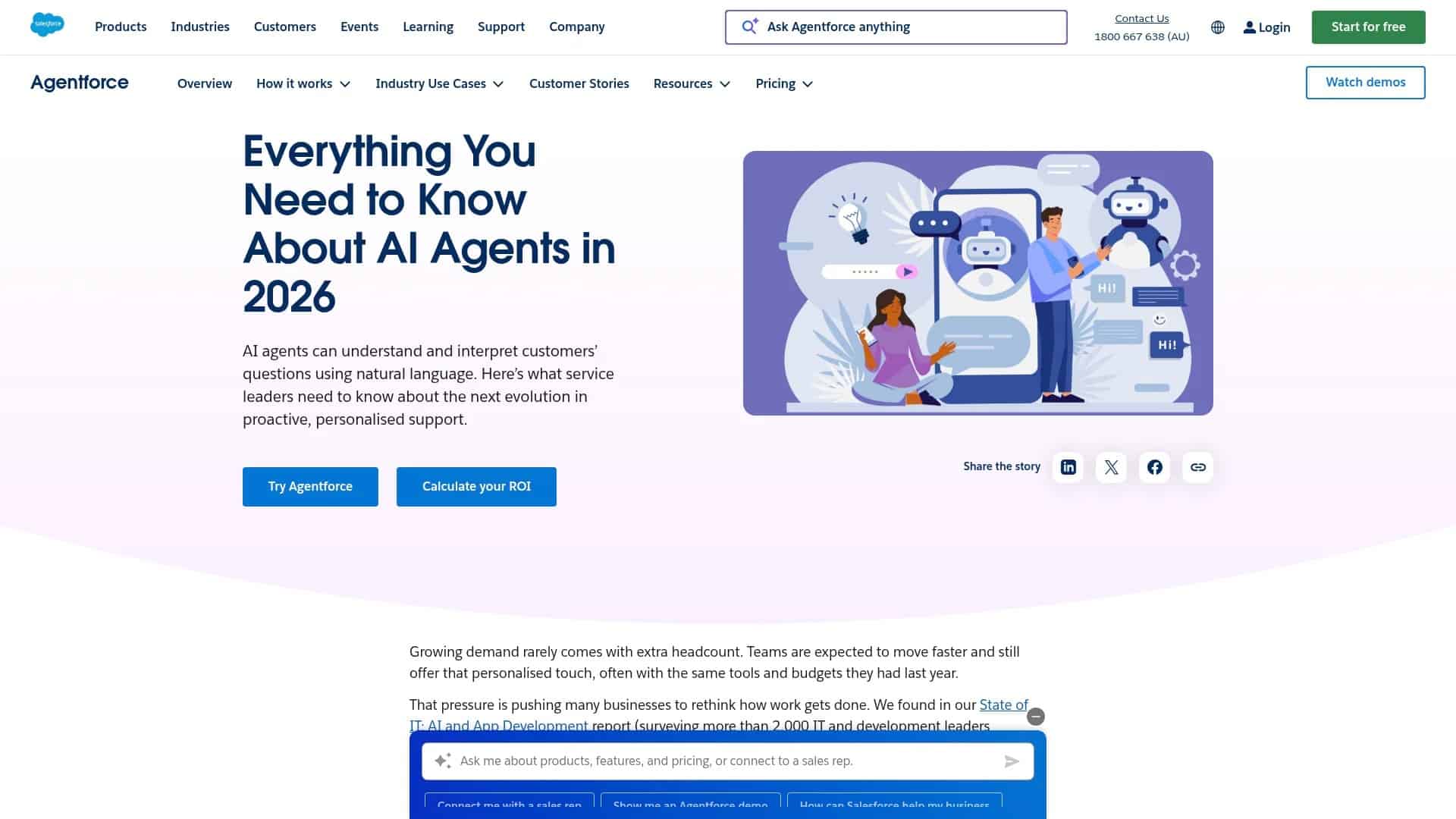
Screenshot of https://www.salesforce.com/au/agentforce/ai-agents/
The platform works through three core components:
- Topics: Defined business scenarios that agents can handle, like processing refunds or answering product questions
- Actions: Specific tasks agents perform, connected to Salesforce objects and external systems through APIs
- Atlas Reasoning Engine: The decision-making system that determines which topics and actions apply to each customer interaction
Salesforce Spring ’26 enhances agentic order routing for financial services, expanding the platform’s capabilities into regulated industries where decision transparency matters.
Agentforce agents can operate across service, sales, marketing, and commerce functions. They don’t just respond to queries. They take actions within your CRM, creating cases, updating opportunities, and triggering workflows based on natural language conversations.
Copilot Studio Structure and Capabilities
Microsoft Copilot Studio evolved from Power Virtual Agents. It now serves as the low-code platform for building generative AI agents across the Microsoft ecosystem.
Screenshot of https://copilot.microsoft.com
The platform connects to:
- Microsoft 365: SharePoint documents, Teams conversations, Outlook emails
- Azure services: AI models, databases, enterprise applications
- Power Platform: Power Automate flows, Power Apps data, Dataverse
Copilot Studio agents can access data across your Microsoft environment without requiring separate data migrations. If your organization runs on Microsoft 365, agents already have context from documents, emails, and collaboration spaces.
Developers can extend Copilot Studio through custom connectors, Azure AI services, and direct API integrations. The platform supports both low-code agent building and code-based customization for complex scenarios.
Data Integration and Grounding Approaches
AI agents are only as effective as the data they access. Both platforms emphasize data grounding, but through different mechanisms.
How Agentforce Grounds in Salesforce Data
Agentforce connects directly to Salesforce Data 360 (formerly Data Cloud). This unified data layer brings together structured CRM data, unstructured content from knowledge bases, and real-time information from connected systems.
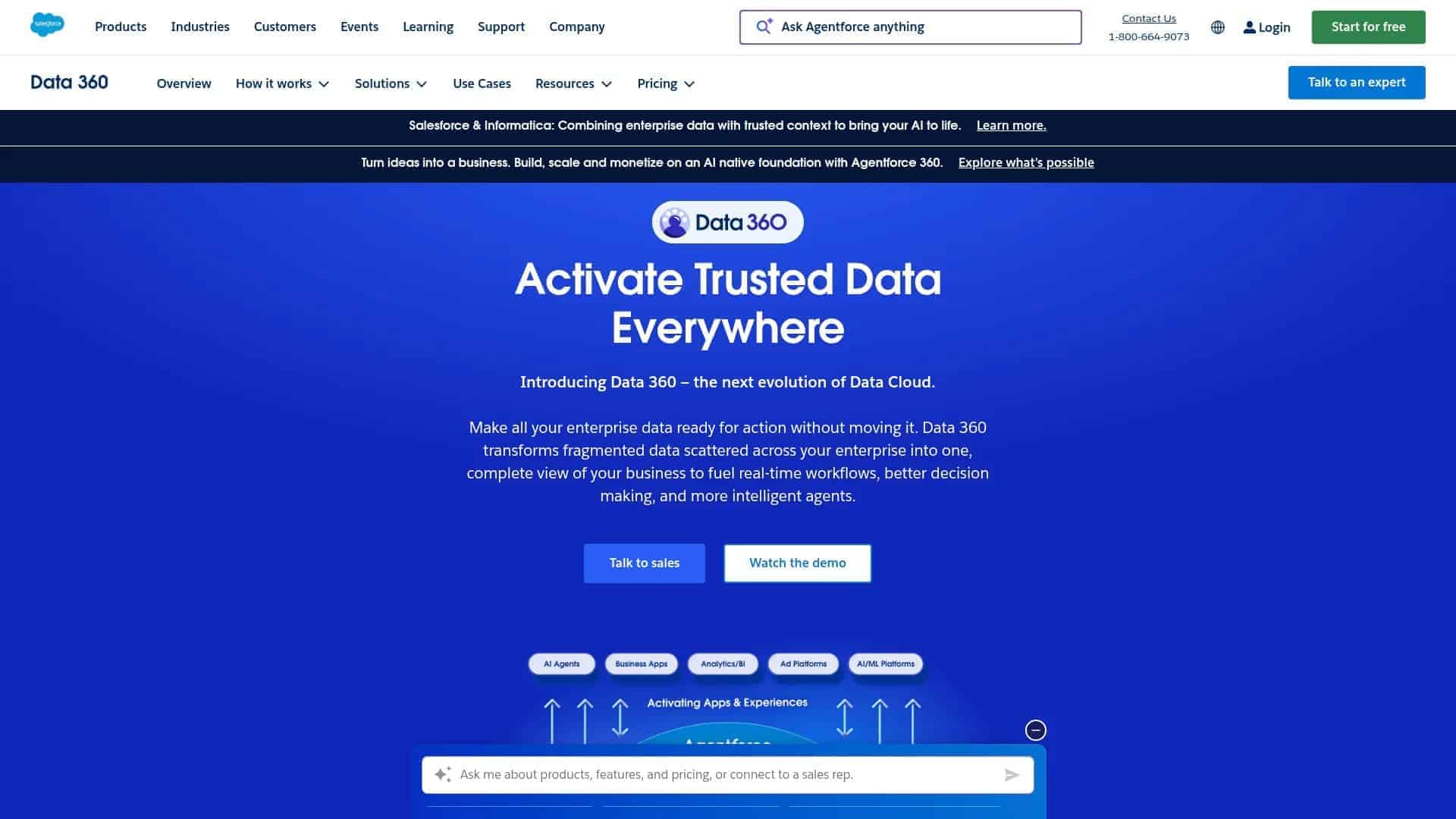
Screenshot of https://www.salesforce.com/data/
The grounding process works through retrieval augmented generation (RAG). When a customer asks a question, Agentforce:
- Searches relevant data across Data Cloud, including CRM records, knowledge articles, and external data sources
- Sends that context to the large language model along with the customer query
- Generates a response grounded in your actual business data, not generic LLM training data
Agentforce 360 was released in October 2025, expanding the platform’s data integration capabilities across industry clouds.
Agentforce 360 was released in October 2025.
Data Cloud serves as the vector database for semantic search. Organizations can connect data from MuleSoft integrations, legacy systems, and third-party applications, making it all searchable by Agentforce agents.
Microsoft’s Approach to Data Access
Copilot Studio accesses data through Microsoft Graph and Azure connectors. The platform can query SharePoint sites, OneDrive files, Teams channels, and external systems connected through Power Platform.
For grounding, Copilot Studio uses:
- Microsoft Graph connectors: Access enterprise content across Microsoft 365
- Azure AI Search: Vector search across documents and structured data
- Custom data sources: APIs and databases connected through Power Platform or Azure
Organizations with significant investments in Microsoft 365 benefit from immediate data access. Documents, emails, and collaboration content become available to agents without data replication.
However, connecting non-Microsoft systems requires integration work. Power Automate flows and custom connectors bridge the gap, but this adds configuration complexity compared to Agentforce’s native CRM connections.
Building and Configuring Agents
Both platforms emphasize low-code development. Yet their builder experiences reflect different priorities.
Agent Builder in Agentforce
Agentforce uses Agent Builder and Agentforce Studio for agent configuration. Administrators define topics through natural language descriptions, then map those topics to specific actions.
The process follows this sequence:
- Create a topic by describing what the agent should handle (e.g., “Process product returns for orders within 30 days”)
- Define actions the agent can take, like creating return cases or updating order records
- Configure guardrails and approval requirements for actions that modify data
- Test the agent in a preview environment before deploying to channels
Prompt Builder allows customization of how agents communicate. Organizations can adjust tone, add industry-specific language, and ensure responses align with brand voice.
The Trust Layer provides governance controls. Administrators set boundaries on what agents can access, which actions require human approval, and how sensitive data gets handled.
Copilot Studio’s Development Environment
Copilot Studio provides a canvas-based builder with conversation flow design. Developers create topics as conversation paths, adding triggers, conditions, and response variations.
The development experience includes:
- Generative answers: Configure how agents use large language models for responses
- Topic triggering: Define phrases and intents that activate specific conversation flows
- Action integration: Connect to Power Automate flows, Power Apps, or custom APIs
- Testing console: Validate agent behavior before publishing
For developers, the Visual Studio Code extension enables local development with IntelliSense and version control integration. This supports team-based agent development with code review processes.
Copilot Studio agents can be deployed across Teams, websites, mobile apps, and other channels through a single configuration.
Reasoning Engines and Decision-Making
The intelligence behind agent actions differs between platforms.
Atlas Reasoning Engine in Agentforce
Atlas serves as Agentforce’s decision-making system. It determines which topics apply to a conversation, which actions to take, and when to escalate to human agents.
The reasoning process involves:
- Analyzing customer intent from natural language input
- Matching intent to configured topics and available actions
- Evaluating whether the agent has sufficient data and permissions to act
- Executing actions or requesting additional information
- Monitoring for conditions requiring human intervention
Atlas operates within the boundaries set by administrators. If a customer request falls outside defined topics, the agent acknowledges limitations and routes to appropriate human resources.
How Copilot Studio Agents Make Decisions
Copilot Studio combines large language models with deterministic conversation flows. The platform uses Azure OpenAI Service models for natural language understanding and generation.
Decision-making happens through:
- Intent recognition: Identifying what users want from their messages
- Topic matching: Routing conversations to configured topics
- Generative answers: Using grounded data to respond when no specific topic matches
- Fallback handling: Escalating to human agents or alternative paths when confidence is low
Developers can configure confidence thresholds for when agents should act autonomously versus seeking confirmation or escalating.
The platform supports custom AI models through Azure AI Studio integration. Organizations with specialized language models or industry-specific AI can incorporate those into agent decision-making.
Channel Deployment and User Experience
Where agents operate matters. Both platforms support multiple channels, with different strengths.
Agentforce Service Channels
Agentforce deploys across Salesforce-connected channels:
- Embedded Service: Website chat widgets with CRM context
- Messaging channels: SMS, WhatsApp, Facebook Messenger
- Voice: Telephony integration for call center operations
- Mobile apps: In-app support within Salesforce Mobile
Service Agents operate within the Salesforce console environment. When human agents need to take over, they have full conversation history and CRM context immediately available.
The platform supports seamless handoffs between AI agents and human agents. Conversations can transfer back and forth based on complexity, maintaining context throughout.
Microsoft’s Channel Reach
Copilot Studio agents deploy wherever Microsoft 365 reaches:
- Microsoft Teams: Native integration for employee support and collaboration
- Websites: Embeddable chat interfaces
- Mobile apps: Through Power Apps Mobile or custom applications
- Azure Bot Service channels: Slack, custom applications, voice channels
For organizations using Teams as their primary collaboration platform, Copilot Studio agents become part of the daily workflow. Employees access AI assistance within the same interface they use for communication.
The platform supports voice capabilities through Azure Speech Services. Organizations can build voice-enabled agents for phone systems or voice-activated scenarios.
Enterprise Readiness and Governance
Production AI agent deployments require security, compliance, and management capabilities.
Agentforce Trust and Security
The Trust Layer in Agentforce provides:
- Data access controls: Field-level permissions determining what agents can read or modify
- Action approval workflows: Requiring human confirmation for sensitive operations
- Audit logging: Complete records of agent actions and decisions
- Compliance frameworks: Industry-specific controls for healthcare, financial services, and other regulated sectors
Agentforce operates within Salesforce’s security model. Organizations can apply the same profiles, permission sets, and sharing rules that govern human user access.
Salesforce Spring ’26 Release will be available February 23, 2026, bringing enhanced governance features for regulated industries.
Salesforce Spring '26 Release will be available February 23, 2026.
Microsoft’s Security and Compliance Approach
Copilot Studio inherits Microsoft 365’s security architecture:
- Microsoft Entra ID integration: Unified identity and access management
- Conditional access policies: Context-based security controls
- Data loss prevention: Preventing agents from exposing sensitive information
- Compliance center integration: Meeting regulatory requirements across industries
Organizations using Microsoft Purview benefit from unified compliance management across human and AI agent activities.
The platform supports private endpoints and virtual network integration for organizations requiring network-level isolation of AI services.
Integration Capabilities and Extensibility
Enterprise agents need to connect with multiple systems. Integration approaches vary significantly.
Extending Agentforce Through Salesforce Ecosystem
Agentforce integrates through:
- MuleSoft: Enterprise integration platform for connecting legacy systems
- APIs: REST and SOAP interfaces to external applications
- Flow: Salesforce’s automation platform for orchestrating multi-step processes
- Apex: Custom code for complex logic and integrations
Organizations already using MuleSoft can expose existing integration assets as actions for Agentforce agents. This reduces development time for common enterprise connections.
The platform supports custom actions developed in Apex. Development teams can build specialized functionality that agents invoke through natural language commands.
Copilot Studio’s Connection Options
Microsoft provides integration through:
- Power Automate: Workflow automation connecting hundreds of services
- Custom connectors: OpenAPI-based integrations to any REST API
- Azure services: Direct access to databases, AI models, and enterprise applications
- Bot Framework: Advanced customization through code
Power Automate’s extensive connector library means Copilot Studio can access services from Salesforce to SAP to custom applications. Organizations can reuse existing flows, reducing integration development.
For scenarios requiring custom code, developers can build Bot Framework components that extend Copilot Studio’s capabilities.
Practical Implementation Considerations
Choosing between platforms requires assessment beyond features. Implementation success depends on organizational readiness.
When Agentforce Makes Operational Sense
Agentforce fits organizations where:
- Salesforce serves as the primary CRM and customer engagement platform
- Customer service, sales, and marketing processes center on CRM data
- Data Cloud already unifies information from multiple sources
- Teams have Salesforce administration expertise
The platform delivers fastest time-to-value when your operational data already lives in Salesforce. Organizations don’t need separate data replication or synchronization to ground agent responses.
For companies with complex service operations, Agentforce’s native service console integration provides seamless human-AI collaboration.
Where Copilot Studio Provides Strategic Advantage
Copilot Studio becomes the logical choice when:
- Microsoft 365 serves as the collaboration and productivity foundation
- Knowledge workers need AI assistance integrated into daily workflows
- Documents, emails, and collaboration data contain critical business context
- IT teams have Azure and Power Platform expertise
Organizations already invested in Microsoft ecosystems avoid the cost and complexity of introducing separate AI platforms. Agents access existing information without data migration projects.
For employee-facing scenarios like IT support or HR assistance, Copilot Studio’s Teams integration meets users in their primary work environment.
Cost Models and Licensing Approaches
Pricing structures reflect each platform’s positioning and target use cases.
Agentforce Pricing Structure
Agentforce uses conversation-based pricing. Organizations pay per conversation, with different tiers based on complexity and channel requirements.
Pricing considerations include:
- Base Salesforce licenses for CRM functionality
- Data Cloud capacity for unified data access
- Conversation volume for agent interactions
- Premium features like voice capabilities
Organizations with existing Salesforce investments already have the foundation. Incremental costs focus on conversation volume and advanced capabilities.
Microsoft’s Licensing Model
Copilot Studio pricing depends on session volume and message limits. Microsoft includes basic capabilities in certain Microsoft 365 plans, with additional capacity available through dedicated licenses.
Cost factors include:
- Microsoft 365 base subscriptions
- Copilot Studio session packs
- Power Platform capacity for flows and data
- Azure consumption for AI services and custom models
Organizations already paying for Microsoft 365 E3 or E5 licenses have immediate access to basic agent building. Additional capacity scales based on usage.
Making the Platform Decision
The choice between Agentforce and Copilot Studio isn’t about which technology is superior. It’s about which foundation your organization has built.
Choose Agentforce if your customer operations, sales processes, and service delivery center on Salesforce.
The platform delivers immediate value when CRM data drives customer interactions. Organizations with Data Cloud implementations can deploy agents that understand customer context without integration projects.
Choose Agentforce if your customer operations, sales processes, and service delivery center on Salesforce.
Choose Copilot Studio if Microsoft 365 serves as your digital workplace foundation.
The platform excels when knowledge workers need AI assistance integrated into collaboration tools. Organizations with document-heavy processes benefit from native Microsoft Graph access.
Choose Copilot Studio if Microsoft 365 serves as your digital workplace foundation.
Some enterprises need both. Customer-facing agents might run on Agentforce while employee support agents operate in Copilot Studio. The platforms serve different contexts with different data requirements.
Some enterprises need both platforms serving different contexts with different data requirements.
What matters is operational discipline. Teams that have cleaned their data, organized their knowledge bases, and defined clear agent boundaries will succeed with either platform. Those still operating on patchwork systems and disconnected data will struggle regardless of which technology they choose.
As Smartbridge has observed, the most successful organizations blend AI with strong operational practices, domain expertise, and real-time data access. Technology selection follows strategy, not the other way around.
For organizations ready to move from AI pilots to production deployments, both platforms offer the capabilities needed. The question isn’t which one to choose. It’s whether your organization has built the data foundations and operational discipline required for either to succeed.
Ready to determine which platform fits your organization’s needs? Speak with a Smartbridge consultant about building your AI agent strategy with purpose, not patchwork.