

Take Your Tableau BI Reporting to the Next Level with Einstein Discovery
Tableau’s integration with Salesforce’s Einstein Discovery brings predictive analytics into your dashboards. One of our Tableau experts reviews this integration, and how it works for Tableau users.
T introduced its integration with Einstein Discovery in version 2021.1, giving users another way to bring predictive analytics into their reporting. If your organization is already investing in Salesforce and Tableau, this integration is worth exploring.
Formerly called Einstein Analytics, the platform is now called CRM Analytics. Einstein Discovery is the capability used to build predictive models and bring their predictions into Tableau.
Users can explore their data, build models, and deploy predictions that can be integrated into dashboards using a couple different methods.
One way is using the Einstein Discovery dashboard extension, which provides predictions, key drivers, and suggested improvements based on a deployed model. This visual is dynamic and will update based on what the user selects across the dashboard.
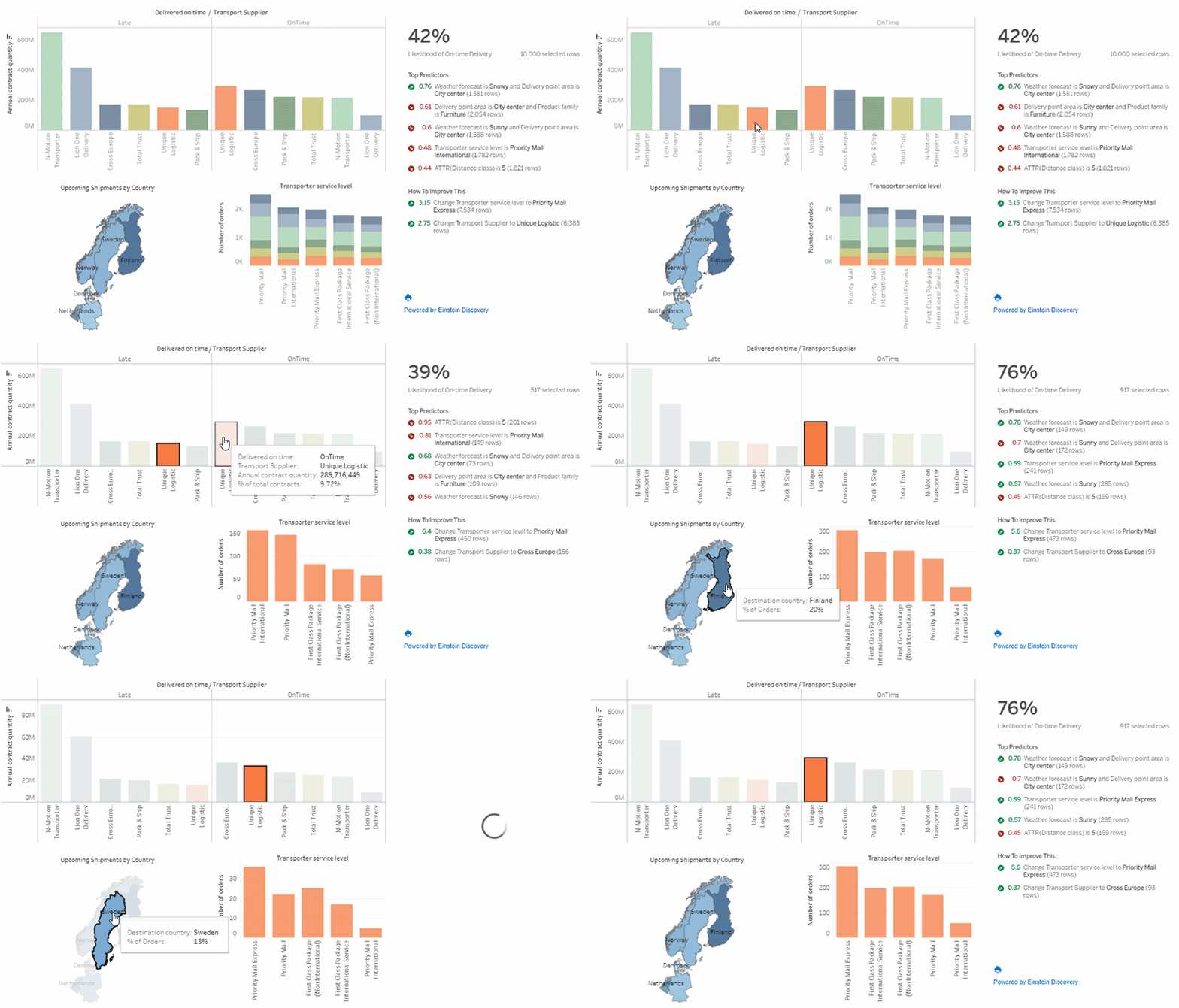
Explore predictions and the factors behind them directly within a Tableau dashboard. Image courtesy of Tableau.
Users can also copy and paste generated Tableau table calculation scripts from Einstein Discovery into calculated fields in Tableau. These calculations connect to models deployed in Salesforce. This means users can build out their own visualizations to depict the stories they want to tell, rather than relying on the preconfigured Einstein extension.

A generated table calculation script connects Tableau calculated fields to an Einstein Discovery predictive model. Image courtesy of Tableau.
To get started, you need Tableau access and the appropriate Einstein Discovery licensing and permissions in Salesforce. Those requirements apply to the people viewing predictions as well as those building the integration, so it’s worth reviewing access before getting started.
The models are built and deployed in Salesforce, while Tableau supplies the data used to request predictions. This is one of the considerations when planning the integration, since it requires adding another layer to your organization’s data architecture.
Before getting started, review how you’ll prepare the training data, connect Tableau to the deployed model, and manage access for dashboard users.
To recap, here are the general benefits and considerations:
Benefits
Concerns
Even with these concerns, this is still a useful option for Tableau users who want to bring predictive insights into their dashboards!

Consulting Partner