

Splitting a Salesforce Org: A Practical Guide for Divestitures and Regional Separations
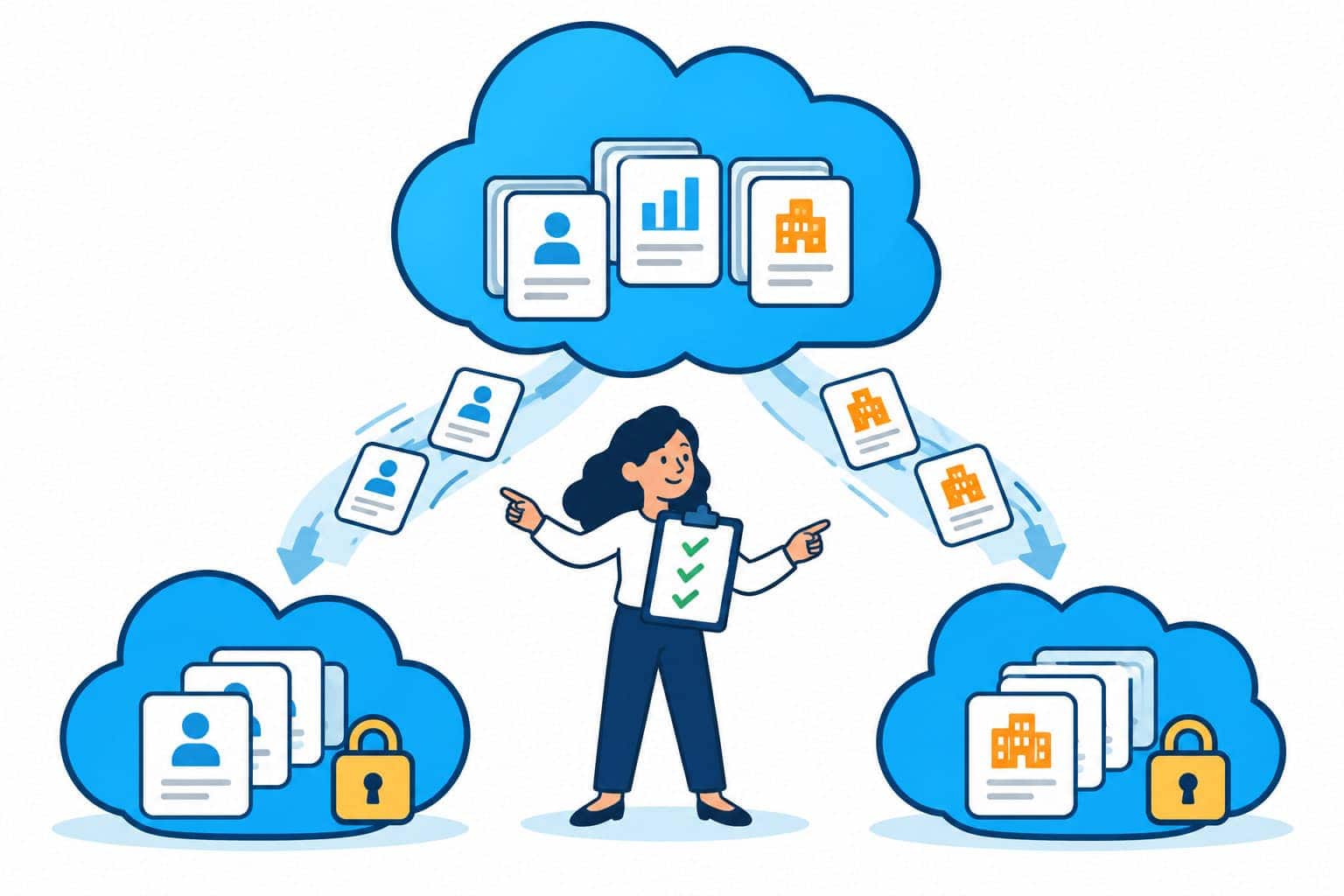
An org split succeeds when it is run as a data governance program with a migration inside it, not as a migration with some compliance checks bolted on. This guide walks through how to decide, scope, execute, and close out a Salesforce org separation.
Why Salesforce Org Splits Happen, and Why They Are Hard
Most companies spend years consolidating Salesforce into one global org. Then something forces them to reverse course. The most common triggers are:

Consulting Partner

Managed Services Provider
Splits are hard because a mature org is dense with dependencies. Shared objects hold records from every business, configuration references hard-coded IDs, and integrations assume a single endpoint. The business also has to keep selling and serving customers while the work happens.
A split is not a fix for a slow or crowded org. Gearset notes that simply outgrowing an org doesn’t justify splitting it, and that archiving or added storage should be ruled out first.
Decide What the New Org Is For
Before any tooling decision, agree on what the new org should look like on day one and in two years. That answer shapes the metadata strategy, the DevOps model, and the budget.
| Target model | When it fits | Metadata approach | DevOps implication |
|---|---|---|---|
| Mirror org | Data residency split; same processes in both regions | Clone the configuration; exclude environment-specific items | One shared repository and pipeline can serve both orgs |
| Divergent org | Divestiture or business units heading different ways | Shared core plus org-specific layers | Separate pipelines, sandboxes, and release cadences |
| Clean-slate org | Heavy technical debt; chance to redesign | Rebuild selectively; migrate only what is still used | New baseline; highest effort, lowest carried-over debt |
Settle the commercial side early too. Licenses for the new org, and for a divestiture, whether the existing contract lets you carve out and transfer licenses, can drive both cost and timeline. Negotiating split and transfer rights before a transaction is announced gives far more leverage.
Scope Everything Before You Move Anything
Discovery is where splits are won or lost. Its output should be a signed-off inventory of inclusions and exclusions that every later step works from. Cover five areas:
Use discovery to decide what not to move. Inactive users, deprecated automation, and stale records carry technical debt into the new org.
Treat Data Separation as a Compliance Workstream
When the split is driven by privacy or residency, how data moves matters as much as whether it arrives. Build these controls into the plan:
To keep it simple, the most frequent shortcodes you may use to add content sections are:
For a divestiture, the same discipline applies to the TSA. Define which data the buyer may take, how long the seller keeps serving it from the shared org, and when access is cut off.
Execute in Waves, Validate Early, Cut Over Once
A predictable split follows a fixed sequence, with a production change freeze once the final migration wave begins:
- 1
Set up the new org: Align features, settings, and managed package versions with the source before deploying anything.
- 2
Migrate metadata iteratively: Deploy low-dependency items first (groups, roles, value sets, fields), then layouts, validation rules, and code, with profiles, permission sets, and sharing rules last. Expect to deploy some components twice as dependencies surface.
- 3
Migrate data in waves: A first wave to test mappings and volumes, then a second wave that picks up changes made in production since wave one.
- 4
Repoint integrations: Configure and test each integration against the new org.
- 5
Validate with the business: Run a business review in a sandbox with end-to-end scenarios. Most validation must happen before cutover.
- 6
Cut over from a checklist: Create a detailed checklist of actions needed on the source org and the target org including delta data loads, license switching and sanity testing.
- 7
Hypercare: Staff a short, intensive support period with the people who built the org.
Change management runs alongside all of this. Send staged communications before, during, and after cutover so users know what changes, when, and where to get help. Plan cross-org reporting at the same time; it is often left until after go-live.
Finish the Job: Clean Up the Source Org
For a residency-driven split, moving the data is only half the work. Until the region’s records are removed from the original org, they still sit where they shouldn’t. Close out in order:
- 1Re-confirm the objects and filters with the business and compliance.
- 2Export a backup of the data to be deleted and store it offline in a secured location.
- 3Delete from the source production org, then from its sandboxes.
- 4Deactivate moved users in the source org and remove them from its single sign-on group, and have the access removal audited.
Keep signed-off scope lists, reconciled record counts, UAT sign-off, and backup records together. That trail is what auditors will ask for.
Common Pitfalls When Splitting a Salesforce Org
Bringing it Home
An org split touches every layer of Salesforce at once: metadata, data, security, integrations, and the people who rely on it daily. The organizations that get through it cleanly scope with compliance from the start, move only what belongs, validate with the business before cutover, and don’t call the project done until the source org is clean.
Smartbridge recently led a privacy-driven Salesforce org separation for a global medtech company, from discovery through Hypercare. If you are planning a split for data residency, a divestiture, or business divergence, contact Smartbridge and we’ll pair you with a senior expert.