

Engineering & Construction Case Study
From Field Purchases to Finance Without Double Entry
Automating Construction Purchasing with KOJO and JD Edwards EnterpriseOne
Below, we illustrate how Smartbridge worked with a construction client to link KOJO to JD Edwards EnterpriseOne using Orchestrator, Groovy scripts, and a few custom tables.
Field teams buy materials on job sites. They use a phone and a job number. A tool like KOJO makes this fast and easy.
But the finance team works in the ERP system. Our client, a national construction services company, uses JD Edwards EnterpriseOne (JDE). Every purchase order from the field also had to exist in JDE, so accounting could see one correct set of numbers. Without an integration, people had to type orders in twice, track changes by hand, and check receipts by hand.
Our goal was simple: the field works in KOJO, and JDE updates by itself. This covers purchase orders, order changes, and goods receipts.
The Solution
We built the integration with JD Edwards Orchestrator. On one side is the KOJO REST API. On the other side are JDE business functions. We did not need any extra middleware products.
The integration has these parts:
A schedule starts the main parts every five minutes.


How it Works
Login
KOJO’s API uses OAuth 2.0 with the Client Credentials grant. We ask for a token before we call the API. The token works for one hour, so we save it and reuse it. We do not ask for a new token every time. The login details are stored safely and are never written in the code.
Save First, Then Post
Our most important choice was this: we never write straight from the API into the JDE purchase order tables. First, we save the data in our own temporary tables. These are called staging tables. Then a second step reads from them and does the real work.
This helped us many times:
Matching KOJO to JDE
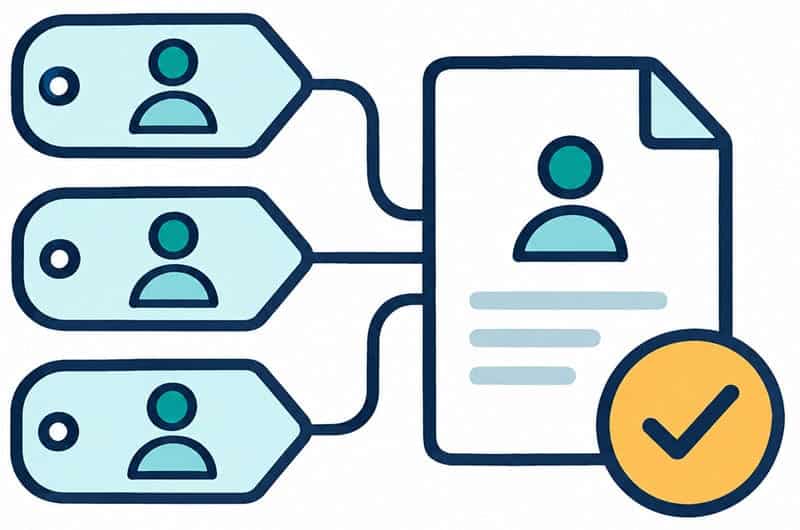
Most of the design work was matching the data. KOJO uses jobs and vendors. JDE uses business units and address book numbers. For each order, we find the JDE business unit from the KOJO job. We use it to set the ship-to address. We also find the JDE supplier from the KOJO vendor. Only then can we create the purchase order. We wrote every field match and every business rule in one design document. The client’s team could then read it and approve it.
Groovy for the Hard Parts
Orchestrator does most of the work well. But KOJO’s JSON data does not match JDE’s data format. We used Groovy scripts to change the data into the right shape before sending it to JDE.
Avoiding Double Work
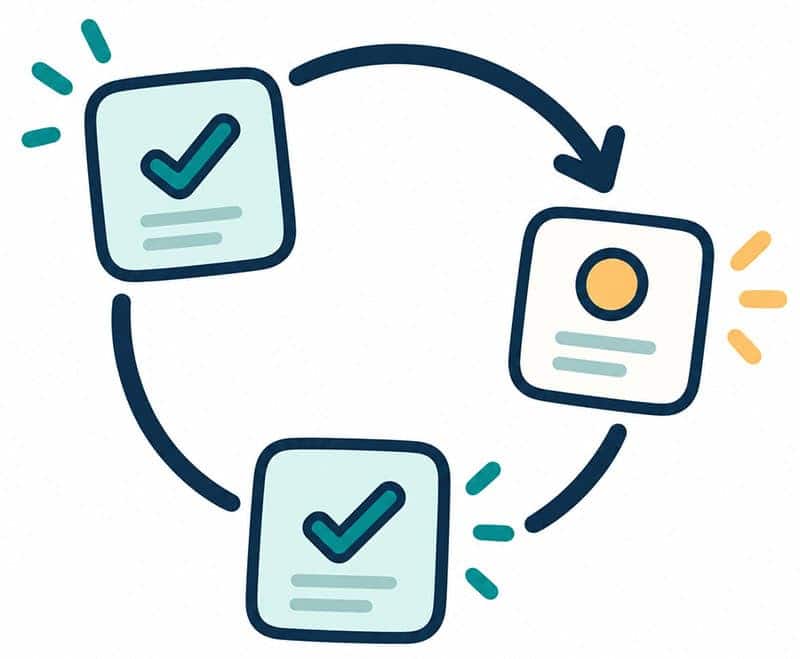
Two things stop us from processing the same item twice:
- 1
A marker in KOJO. When an order reaches JDE, we mark it as linked in KOJO and save the JDE order number. The import step only asks for orders that are not linked yet.
- 2
A run log in JDE. For changes and deliveries, we save the time of each successful run. The next run asks KOJO only for items changed after that time. If a run fails, the time does not move forward.
A Way to See What Happened
We built custom JDE screens to support users. It shows orders, changes, deliveries, API calls, run history, and users. When something looks wrong, the answer is usually only a few clicks away. Support users do not need Orchestrator Studio.
What We Learned
Set the order yourself.
The Orchestrator scheduler starts each job on its own. It does not make one job wait for another. We put steps inside one main orchestration and checked the data status before moving on. We did not depend on schedule times.

Plan for the second run.
Every job will run thousands of times, including right after a failure. Checking what was already done is not extra work. It is required.
Write down the mapping early.
Rules such as how a job becomes a business unit are choices for the client. A clear design document turns open questions into a list the client can answer.

Plan for errors from day one.
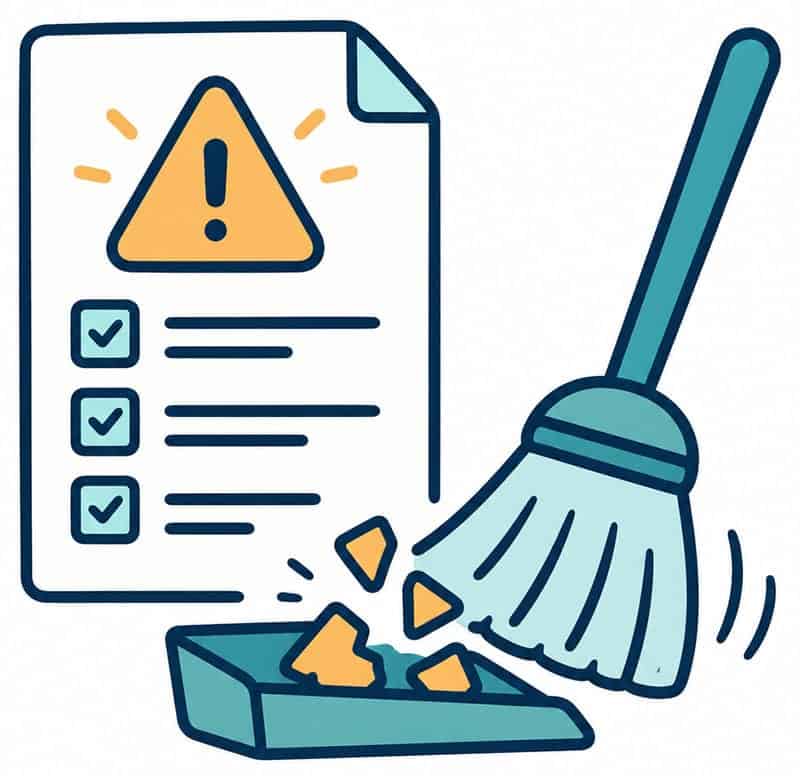
A daily error report and a clean-up job are small things. They let other people run the integration, not only the person who built it.
Keep names consistent.
A project can have dozens of custom data fields. Fixing a wrong name later costs much more than getting it right at the start. Check the design document carefully before coding.
When to Use This Approach
This approach works well if you use JD Edwards, the other system has a REST API, and your volume is moderate. You do not need to buy, host, or monitor extra middleware. For very large volumes or many connected systems, a full integration platform may be better. For many field-to-ERP cases, this pattern is enough.